EasyManua.ls Logo

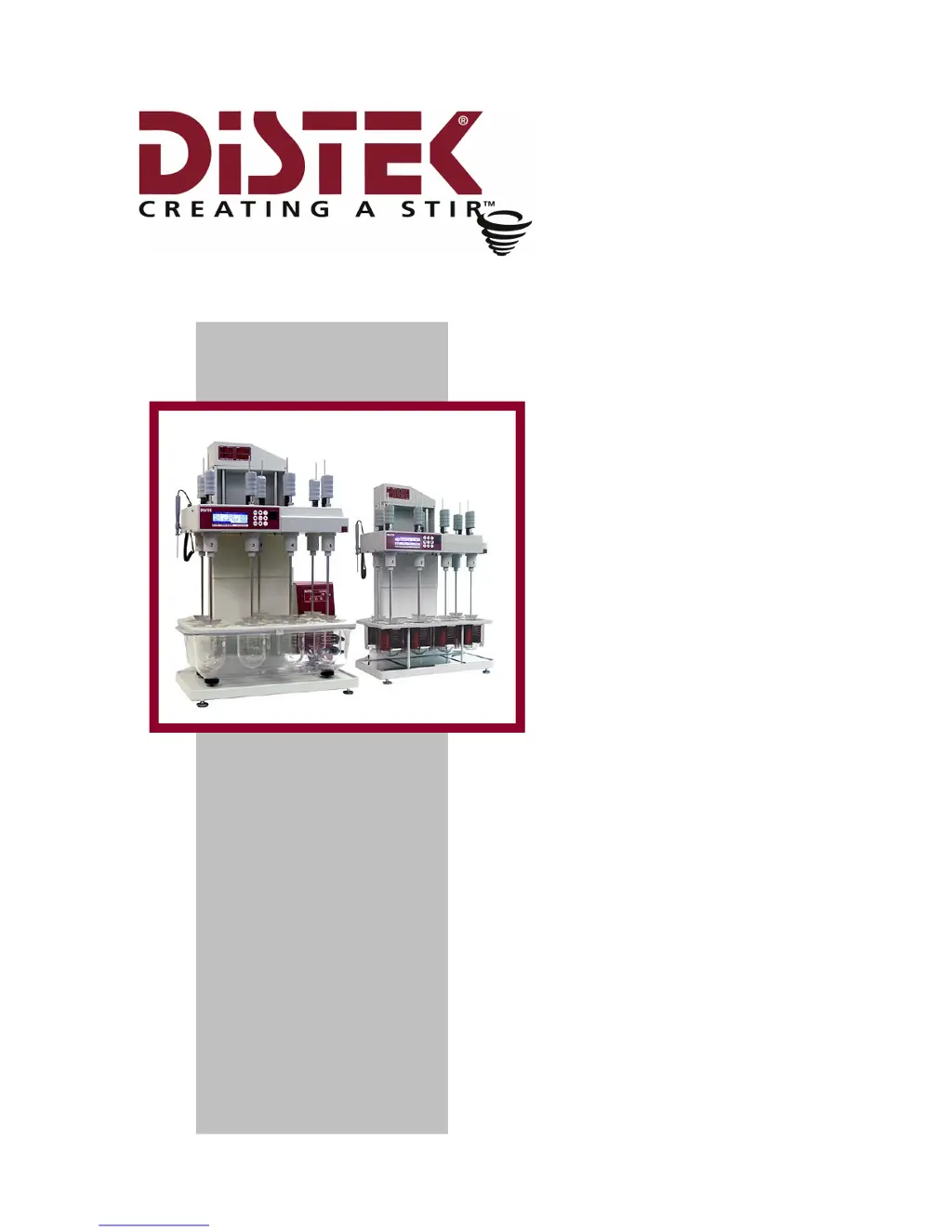
Distek Evolution 6300 - User Manual

Distek Evolution 6300
116 pages
Print Icon
To Next Page IconTo Next Page
Loading...
Operation
Manual
Evolution
Dissolution Test
System
6100
6300

Table of Contents

Questions and Answers

  • S
    Steven PetersSep 9, 2025
    What causes no +5V and no +12V on Distek Test Equipment?
    • J
      Jennifer OwensSep 9, 2025
      If your Distek Test Equipment shows no +5V and no +12V, measure the output voltage coming from the power supply. Check that the wiring is securely connected into the power supply terminals and also check the connector that supplies the interface board (5150) for any loose connections. If the problem persists, replace the defective interface board (5150).
  • S
    sabrinamccoySep 12, 2025
    What causes no +6V and no -5V on Distek Evolution 6300?
    • C
      Christopher SanchezSep 12, 2025
      If your Distek Test Equipment shows no +6V and no -5V, measure the output voltage coming from the power supply at +12V and -12V. Check that the wiring is securely soldered into the power supply terminals and the connector that supplies the interface board (5150) for any loose connections. If the problem continues, replace the defective interface board (5150).
  • G
    Guy LesterSep 14, 2025
    What to check if there is no low voltage AC from the transformer in Distek Test Equipment?
    • R
      Rebecca YangSep 14, 2025
      If your Distek Test Equipment has no low voltage AC (secondary) from the transformer, measure if there is input voltage coming into the transformer primaries (115v or 2202v). Also, check that the transformer wirings are securely fastened into the I/O connector.
  • D
    Desiree JonesSep 16, 2025
    What to do if there is no high voltage (HV) on Distek Test Equipment?
    • R
      Robin MedinaSep 16, 2025
      If there is no high voltage (HV) on your Distek Test Equipment, measure if there is output voltage coming out of the transformer secondary. If there is no AC voltage coming out of the secondary, replace the transformer. Check that the transformer wiring is securely soldered into the transformer terminals and the connector that supplies the motor/heater board for any connections. If the issue persists, replace the defective interface board (5150).

Summary

Introduction

Overview of Distek Evolution Series

Provides a general overview of the Distek Evolution Dissolution Test System.

Evolution Series Specifications

Details the technical specifications for Evolution 6100 and 6300 models.

Operation Warnings and Safety Notes

Highlights critical safety information and operational warnings for system use.

Installation Guide for Evolution System

Leveling the Evolution System

Procedure for ensuring the instrument is properly leveled on the bench.

Paddle and Basket Installation

Instructions for installing paddle blades and baskets onto the drive shafts.

Paddles and Basket Height Adjustment

Guidance on setting the correct height for paddles and baskets.

Temperature Control Setup

Steps for verifying and configuring the system's temperature control.

Operating the Distek Evolution System

Control Keypad and Interface Navigation

Explains the function of each button on the control keypad.

System Administration and Setup

Covers system settings, user management, and calibration access.

Temperature Calibration Procedures

Detailed steps for calibrating the system's temperature probes.

Working with Test Methods (Automatic Mode)

Describes how to create, run, and manage dissolution test methods.

Manual Mode Operation

Instructions for operating the system without pre-programmed methods.

System Maintenance Procedures

General Cleaning and Care

Guidelines for routine cleaning and maintenance of the unit.

Emptying the Water Bath and TCS

Procedure for draining the water bath and TCS on the Evolution 6300.

Troubleshooting Common Issues

General Troubleshooting Steps and Precautions

Initial steps and safety precautions before troubleshooting.

Display and Keypad Error Solutions

Resolving issues related to the LCD display and keypad.

Power Supply Troubleshooting

Diagnosing and fixing problems related to the unit's power supply.

Error and Warning Message Resolution

Guides for understanding and resolving system error messages.

Spare Parts and Accessories Catalog

Baskets and Related Components

List of available baskets, adapters, and clips for the system.

Cables, Cords, and Connectors

Details on necessary cables, cords, and connection fittings.

Pre-Installation Electrical Power Guidelines

Electrical Power Requirements and Site Preparation

Recommendations for electrical supply, wiring, and protection.

CE Declaration of Conformity

CE Declaration of Conformity Statement

Official statement of compliance with CE directives and standards.

Sample Printout Formats

Method Printout Example

Example of a printed method configuration and audit trail.

User Configuration Printout Example

Sample printout showing user list and group privileges.

Distek Evolution 6300 Specifications

General IconGeneral
BrandDistek
ModelEvolution 6300
CategoryTest Equipment
LanguageEnglish

Related product manuals