11
Supplied Accessories
Chapter
Chapter 2 Preparations
2
Preparations
Supplied Accessories
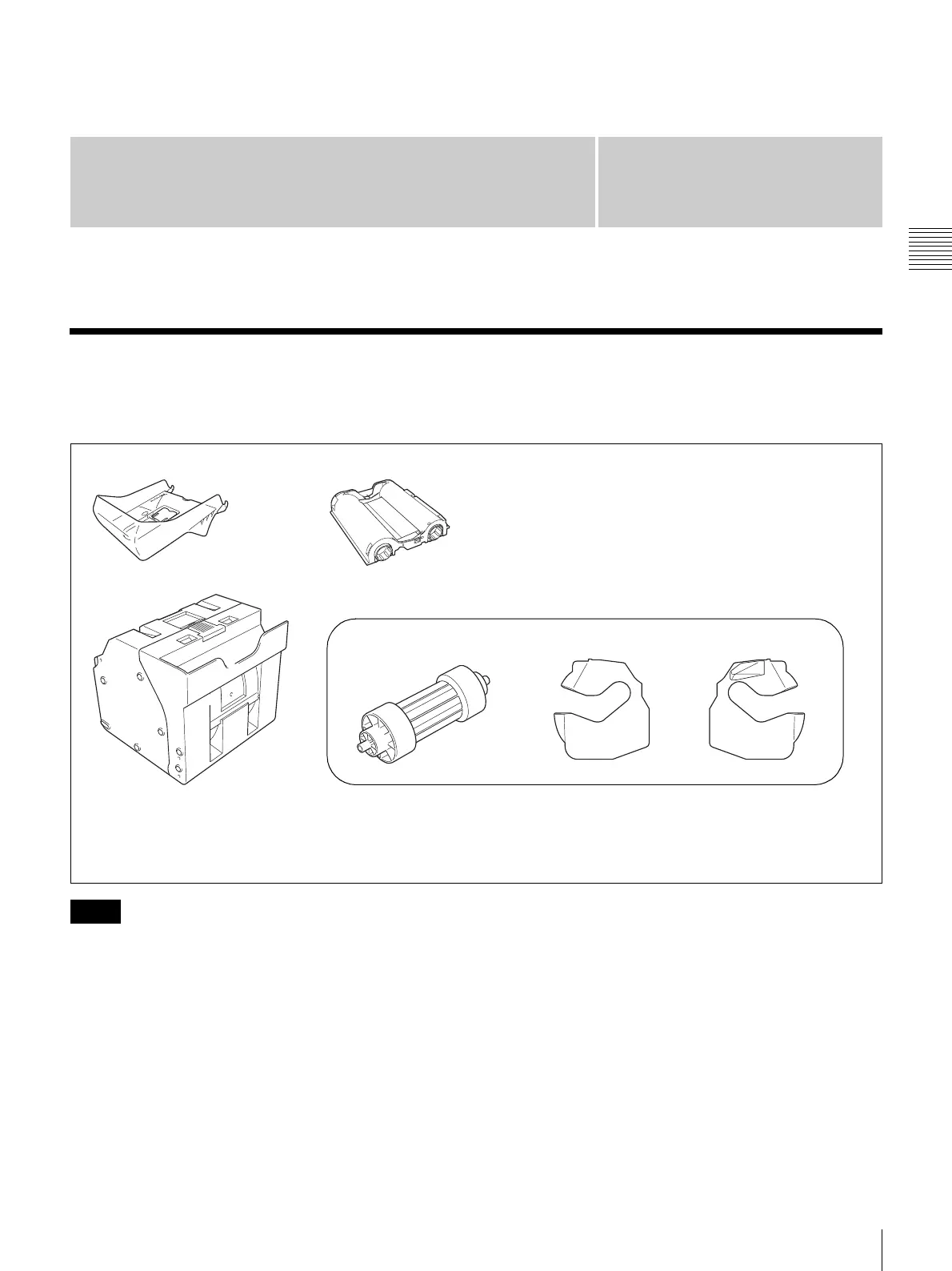
Make certain you have received the following accessories:
• When taking the unit out of the carton box, be careful not
to hurt your back.
• The packaging materials are needed when transporting
the unit, so we suggest you keep them.
• Before transporting the unit, remove the ink ribbon and
paper roll from the unit.
• Before transporting the unit, also remove any paper
remnants from the paper holder. The paper remnants
may slip into the inner parts of the unit and result in
damage if not removed.
Paper Tray (1)
USB Cable (1)
CD-ROM (1)
Paper Holder (1)
1)
These accessories are stored in the paper holder.
Paper Core (1) Adaptor (left,1) Adaptor (right,1)
Before Using this Printer (1)
1) These items are stored in the printer. Be sure to remove these items from the inside of the printer before turning the power on.
2) For information on use, see the section “Cleaning the Interior” on page 45.
Cleaning Cartridge (1)
2)
Notes



 To Next Page