51
Adjusting the Touch Panel
Chapter 5 Maintenance
The following information is displayed.
• Print counter
• Cumulative print count
• Thermal head print count
• Hours of operation (power-on time, fan operation time,
LCD backlight operation time)
• Firmware version
button
Touch this button to export the system log to an expansion
CompactFlash card in CSV file format.
button
Touch this button to reset the print counter.
button
Upgrade the firmware version.
Do not turn off the unit while firmware version upgrade is
in progress.
The unit will restart after the firmware upgrade finishes.
Adjusting the Touch
Panel
This function is used to calibrate the touch panel.
1
Open the System tab on the administration screen, and
touch the [Touch Panel Adjustment] button.
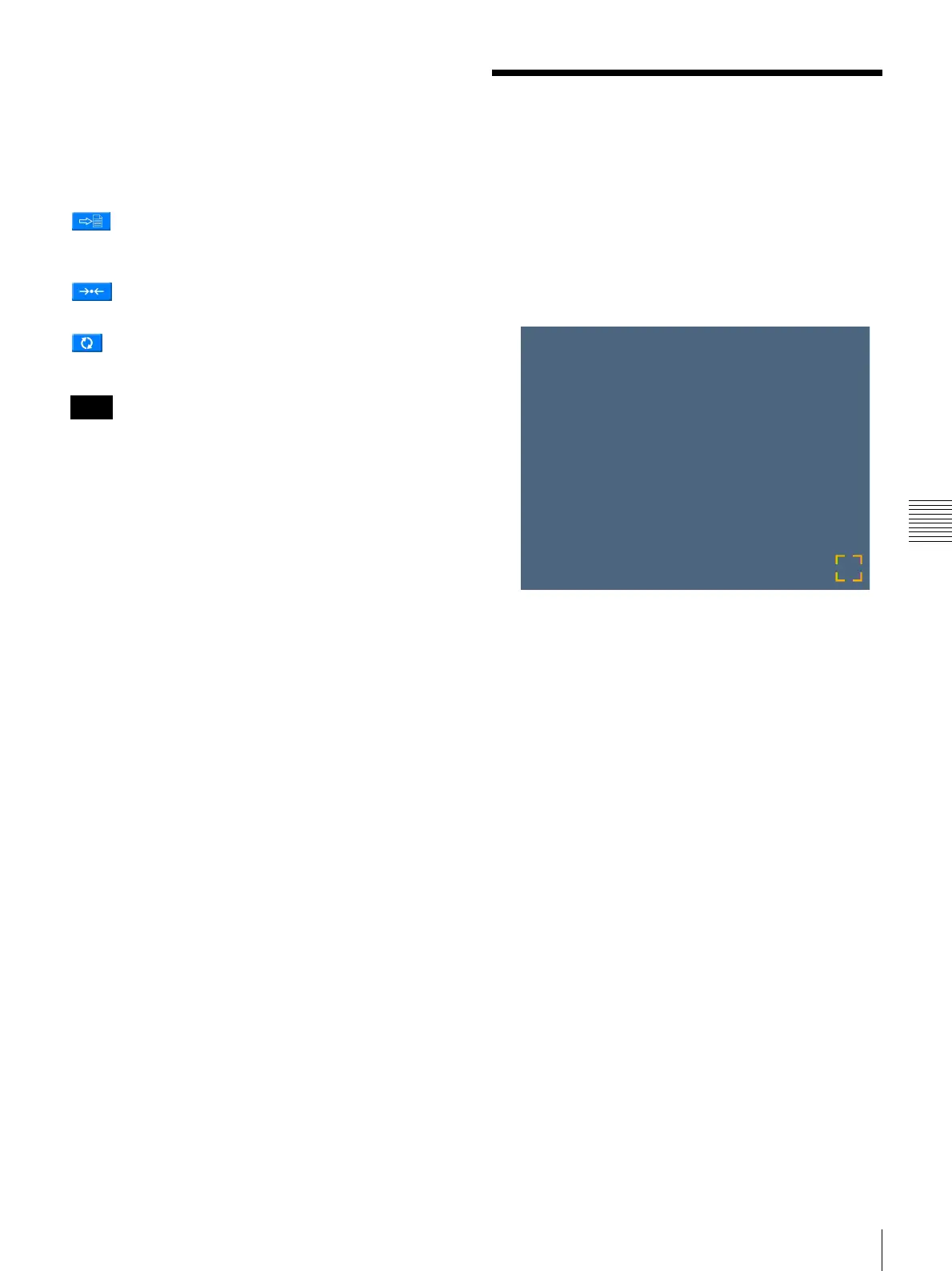
The touch panel adjustment screen appears.
A box appears on this adjustment screen.
2
Touch the box that appears on the screen.
When you touch the box, a new box appears at a
different location on the screen. Keep touching the
boxes as they appear. When no more boxes appear,
adjustment is complete.
Note



 To Next Page