27
About Operation Modes
Chapter 3 Setup
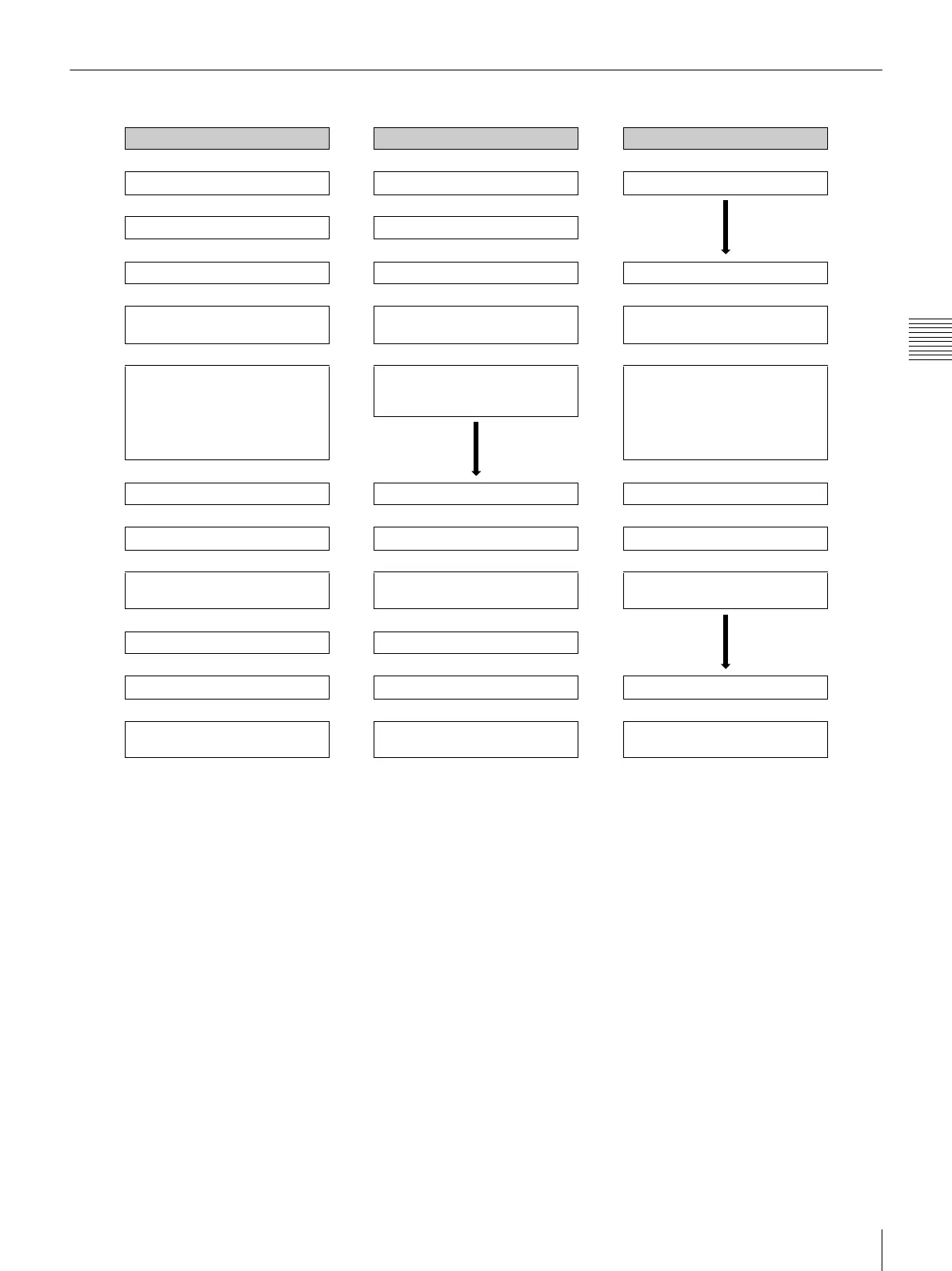
Flow of Operations in Each Mode
Full mode Quick Print mode Event mode
Touch the screen Touch the screen Touch the screen
ª ª
Select language Select language
ª ª
Select input method Select input method Select input method
ª ª ª
• Insert memory card
• Send image data
• Insert memory card
• Send image data
• Insert memory card
• Send image data
ª ª ª
Select print type
• Select & Print
• Border Print
• Split Image
• Index Print
• Express Print
Select print type
• Select & Print
• Express Print
Select print type
• Select & Print
•Border Print
• Split Image
• Index Print
• Express Print
ª ª
Select image/number of copies Select image/number of copies Select image/number of copies
ª ª ª
Edit Edit (crop and rotate only) Edit
ª ª ª
Remove memory card
(when image preloading
1)
is ON)
Remove memory card
(when image preloading
1)
is ON)
Remove memory card
(when image preloading
1)
is ON)
ª ª
Verify order/enter password Verify order/enter password
ª ª
Print Print Print
ª ª ª
Remove memory card
(when image preloading is OFF)
Remove memory card
(when image preloading is OFF)
Select print type
2)
1) Data for ordered images is loaded onto the unit before printing begins.
For details, see “Setting Image Preload” on page 43.
2) After printing ends in Event mode, the display returns to the print type selection screen without the appearance of the memory card
removal screen. To remove an inserted memory card, touch the [Cancel] button in the print type selection screen.



 To Next Page