47
Cleaning
Chapter 5 Maintenance
13
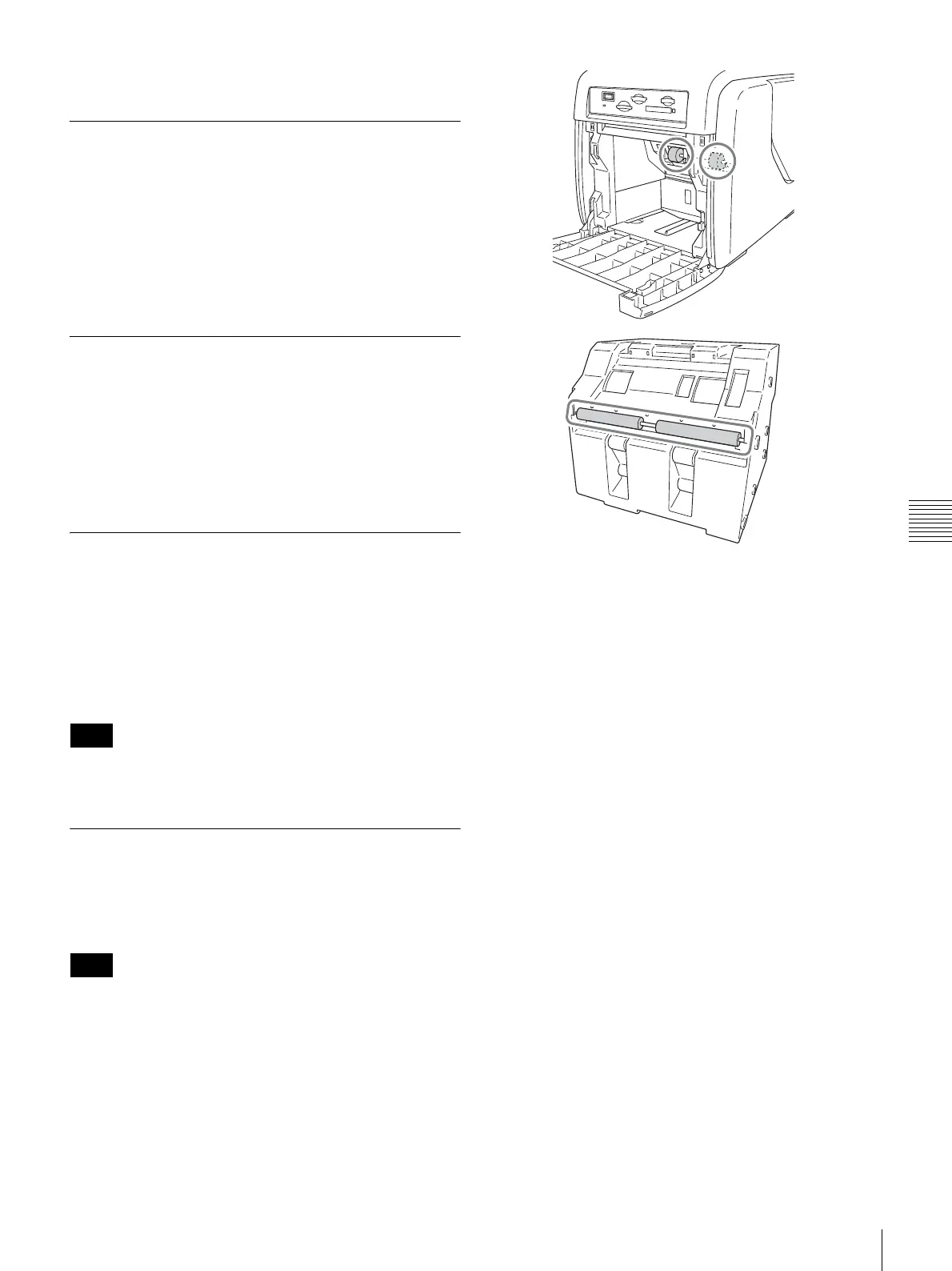
Open the side door, and remove the cleaning cartridge.
Cleaning the Cabinet
If the cabinet is extremely dirty, soak a clean cloth in
water, or a solution of water and a neutral detergent, wring
out the cloth, and then wipe the surface of the cabinet.
Next, wipe clean with a clean, dry cloth.
To avoid damaging the surfaces of the unit, never use
thinner, benzene, alcohol, or any other type of organic
solvent to clean the unit.
Cleaning the Display
When the display has become considerably dirty, wipe it
clean with a dry cloth or with a clean cloth soaked in water
and thoroughly wrung out. Do not use even a mild
detergent, as it can damage the surface of the display.
Never touch or strike the surface of the display with a hard
object.
Cleaning the Filter for the Ventilation
Holes
A filter for the ventilation holes is located at the rear of the
unit. When the filter is dirty, the thermal head may take
longer to cool down, affecting the printing time. If the filter
becomes considerably dirty, remove it and rinse off any
dust with water.
Do not scrub the filter screen with brushes or other coarse
objects.
Cleaning the Printer Roller
When the printer roller becomes dirty, use a soft cloth
moistened with cleaning alcohol to gently wipe the roller
while turning it.
When cleaning the printer roller, turn the printer off with
the POWER switch, then disconnect the power cord.
Note
Note



 To Next Page