54
Starting Operation
Chapter 6 Operation
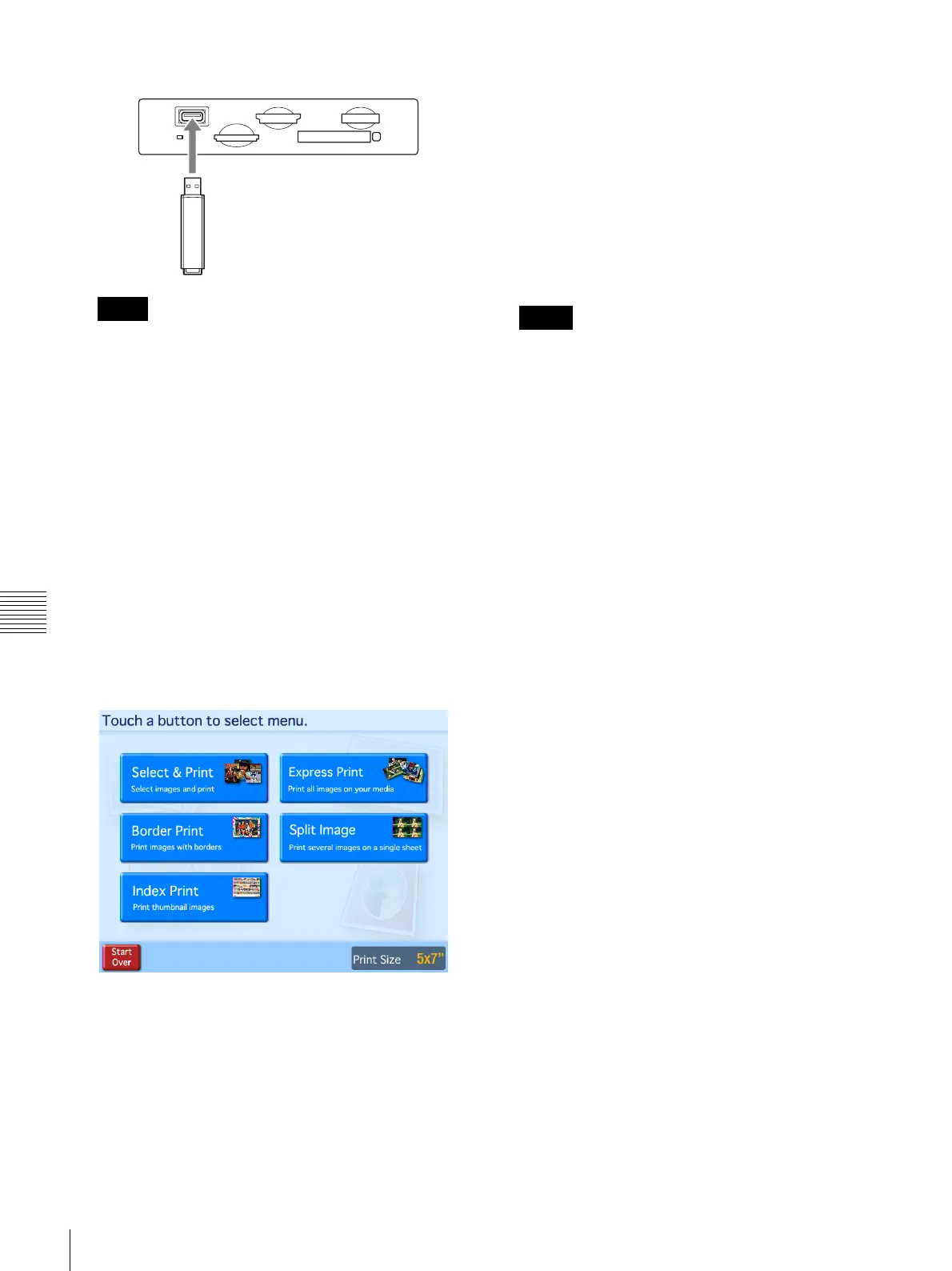
To insert USB Memory
• Always back up the data stored on a memory card
before using it.
• Multiple memory cards cannot be used at the same
time.
• Do not use a CompactFlash adapter. Using such
adapters can result in a loss of the image data stored
on the card, and could cause the unit to stop
operating.
• Do not use a “Memory Stick Duo” adapter. Doing so
could cause a malfunction to occur.
• Always check the orientation of the memory card
before inserting it. Inserting a memory card the
wrong way could cause a malfunction to occur.
• Do not remove the memory card until the unit
prompts you to do so. Removing the memory card at
the wrong time could result in the loss or damage of
image data.
4
The main menu appears.
The exact menu that appears depends on which
operation mode has been set. For details on the
operation of the unit from this point, refer to the page
shown below after each menu item name.
Full mode
• Select & Print (page 55)
• Border Print (page 56)
•Split Image (page 57)
• Index Print (page 58)
• Express Print (page 59)
Quick Print mode
• Select & Print (page 55)
• Express Print (page 59)
Event mode
• Select & Print (page 55)
• Border Print (page 56)
• Split Image (page 57)
• Index Print (page 58)
• Express Print (page 59)
If Cut mode is set, a screen for selecting the print size
appears after the menu selection has been made. For
details on Cut mode, see “Setting Cut Mode” on
page 36.
Notes
Memo



 To Next Page