99
Applications
2
Tap a still image/video
Icons appear on the screen then you can perform the following
operations.
·
Depending on the terminal state, selection screen for application to
use may appear. Different icons may appear if other application is
selected.
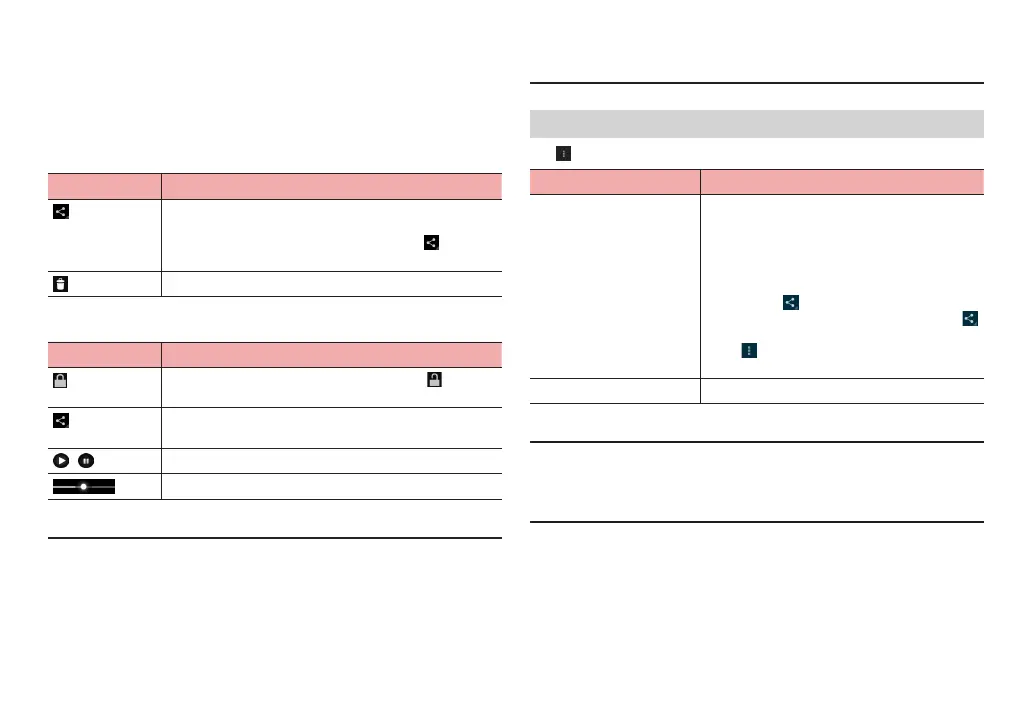
■ Playing still images
Icon Description
You can share images with Picasa, Bluetooth
communication, email, etc.
* Depending on terminal condition, items in
menu
appears by icons.
Delete image.
■ Playing videos (When selecting “Movies”)
Icon Description
Lock playback, stop, or other operation. Tap to
unlock.
You can share videos with YouTube, Bluetooth
communication, email, etc.
/
Play or pause.
Drag left or right to rewind or forward.
■ Information
·
Hidden icons reappear when tapping the screen.
·
For still images, use the touch panel to perform the following operations.
Flick left/right : Show previous/next still image/video
Double-tap : Zoom in/out
Pinch-in/-out : Zoom out/in
·
For videos, use the touch panel to perform the following operations.
Drag left half of screen left/right: Adjust volume
Drag right half of screen left/right: Adjust brightness
Menu on the thumbnail screen
Tap on the thumbnail screen to show the following menu items.
Item Description
Select item Tap to select several thumbnails to share,
delete, or rotate them.
·
Tap “XX items selected” “Select all” to
select all thumbnails.
·
You can share selected thumbnail data using
Picasa, Bluetooth communication, email, etc.
by tapping
.
* Depending on terminal condition, items in
menu appears by icons.
·
Tap to edit, rotate, crop, delete selected
data, etc.
Group by Group images in a folder by specified theme.
■ Information
·
Alternatively, touch and hold folders and tap desired folders one by one on
the thumbnail screen to select several thumbnails.
·
Depending on types of data, some applications to use for sharing may not
appear.



 To Next Page