Basic operating procedures
50
Basic operating procedures
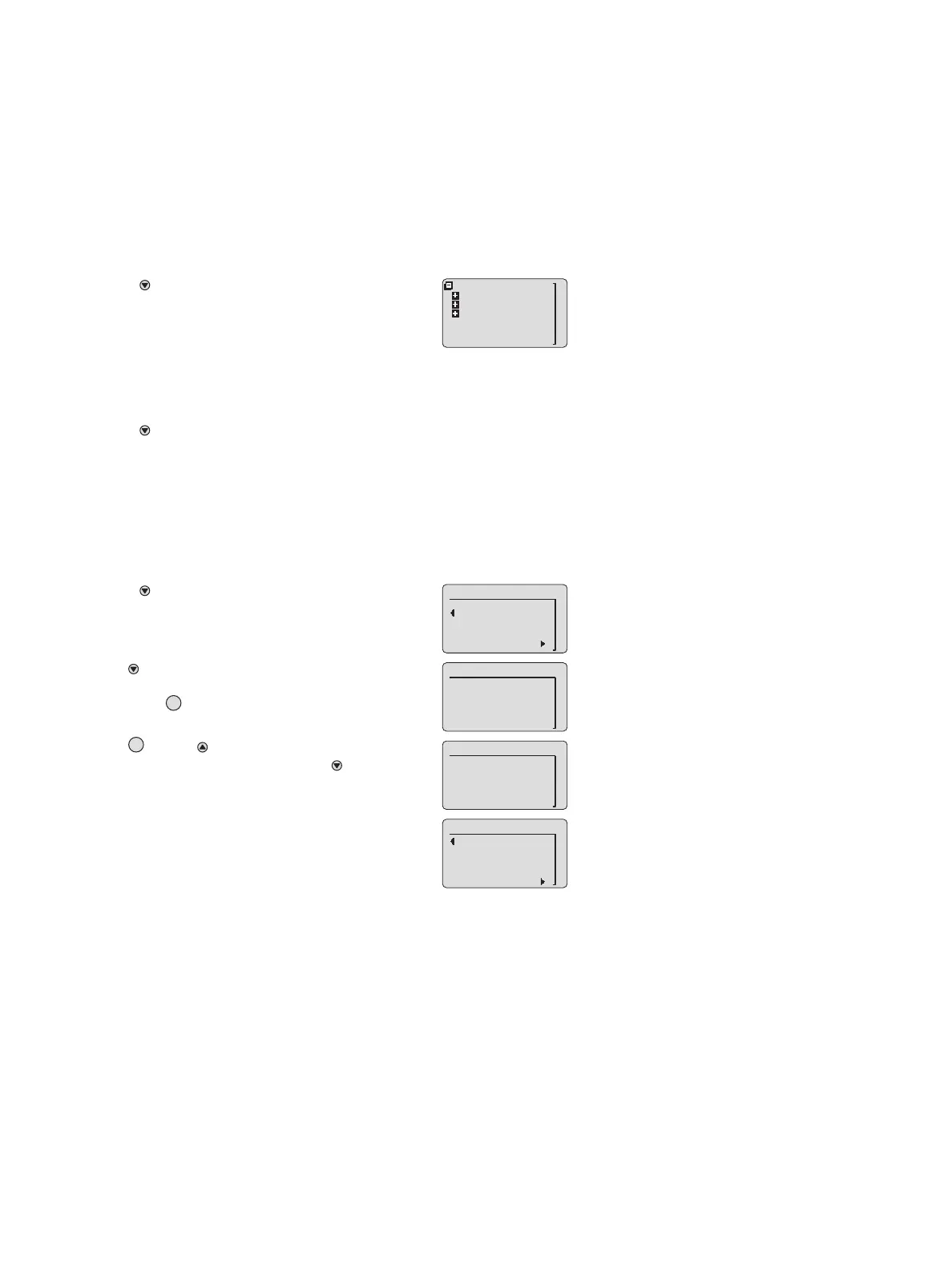
Switching to quick-menu mode
Switching to menu mode
● Press the » « for longer than 3 seconds.
You will then be prompted for the password.
Entering the password
In measuring mode:
● Press the » « for longer than 1 second but less than
3 seconds to open the quick menu.
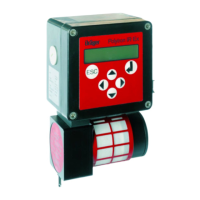
Information on the status and the settings of the transmit-
ter can be queried here, see page 52.
● Press the » « for longer than 3 seconds.
You will then be prompted for the password.
● Use the » « key to move to the line
» Enter password «
and press the » « key.
The password entry screen appears.
● Use the » « and » « keys to set each of the four
positions of the password and press the » « key to
confirm each position.
— After you have confirmed the last position, the menu cor-
responding to the entered password is opened.
If the entered password is invalid, a suitable error mes-
sage is displayed.
M
01923758_en.eps
back to mesure
Instrument
Sensor
Datalogger
M
M
1/3
Back to measure
Enter password
01523758_en.eps
M
OK
01623758_en.eps
2/3
Password
_ _ _ _
OK
M
01723758_en.eps
2/3
Password
0 _ _ _
01823758_en.eps
3/3
back to mesure
Enter password
Wrong pwdlevel
9 9 9 9



 To Next Page