Drobo 5D3 User Guide 100
Notes:
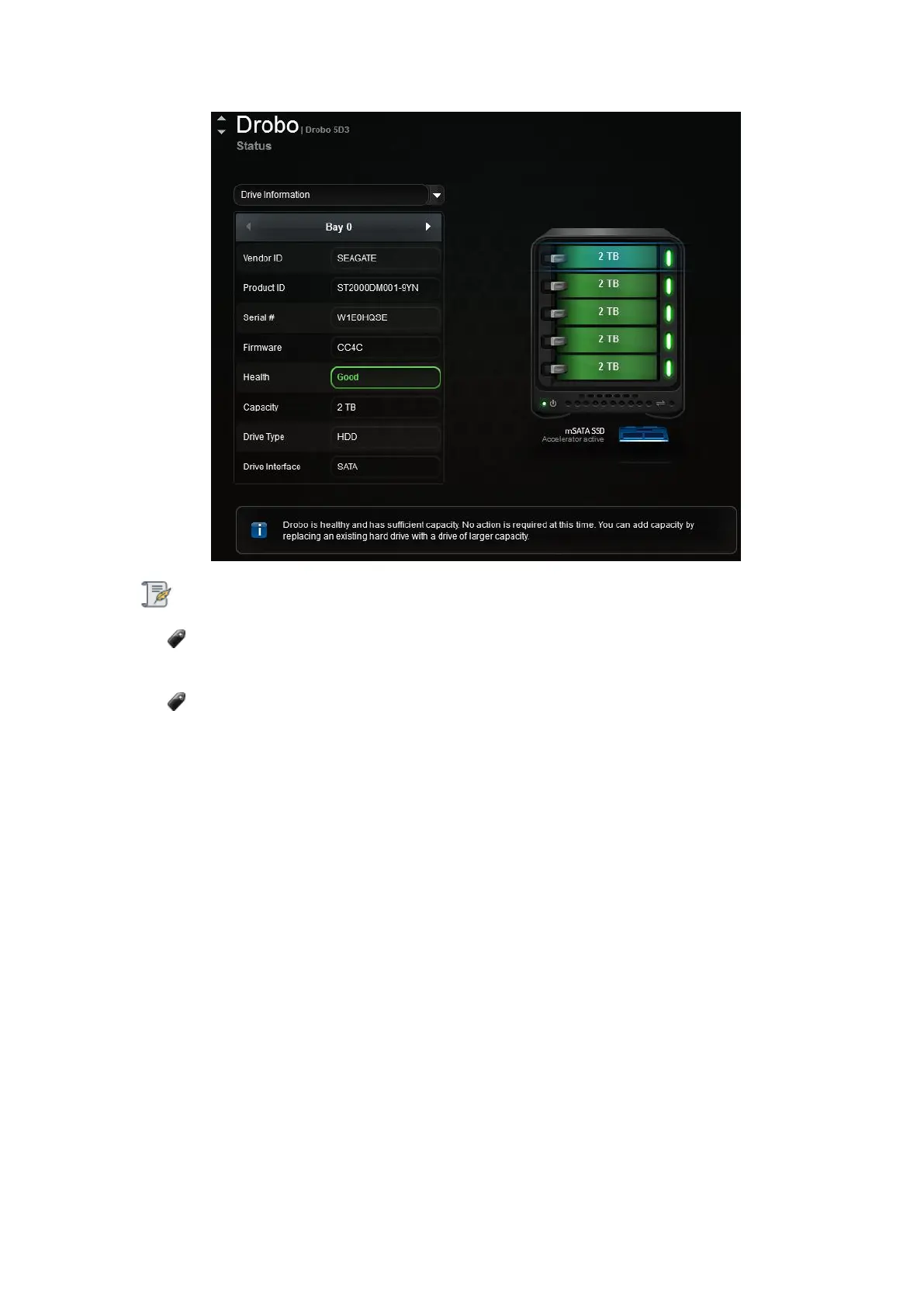
You can also traverse the different drive bays using the arrows on the table
header.
If no disk exists in the selected drive bay, the disk status pane will be empty.
You can view the following drive information for the selected drive bay:
● Vendor ID - The manufacturer of the selected drive.
● Product ID - The product ID for the selected drive.
● Serial # - The serial number of the selected drive.
● Firmware - The firmware version for the selected drive.
● Health - The health status of the drive, based on the errors identified by Drobo while
using the drive. Values include:
● Failed (blinking red) - Indicates that the drive has failed and needs immediate
replacement.
● Warning (orange) - Indicates that the drive is almost full and you need to add
capacity soon.



 To Next Page