Drobo 5D3 User Guide 65
mail settings. (E-mail settings enable you to receive e-mail alerts on the status of your
Drobo devices).
● Help and Support – Opens the Help and Support page, which provides access to
various forms of help, including the Online User Guide and the Drobo knowledge base.
Tip:
For Status, Capacity, Volumes and Tools pages, you can view the same
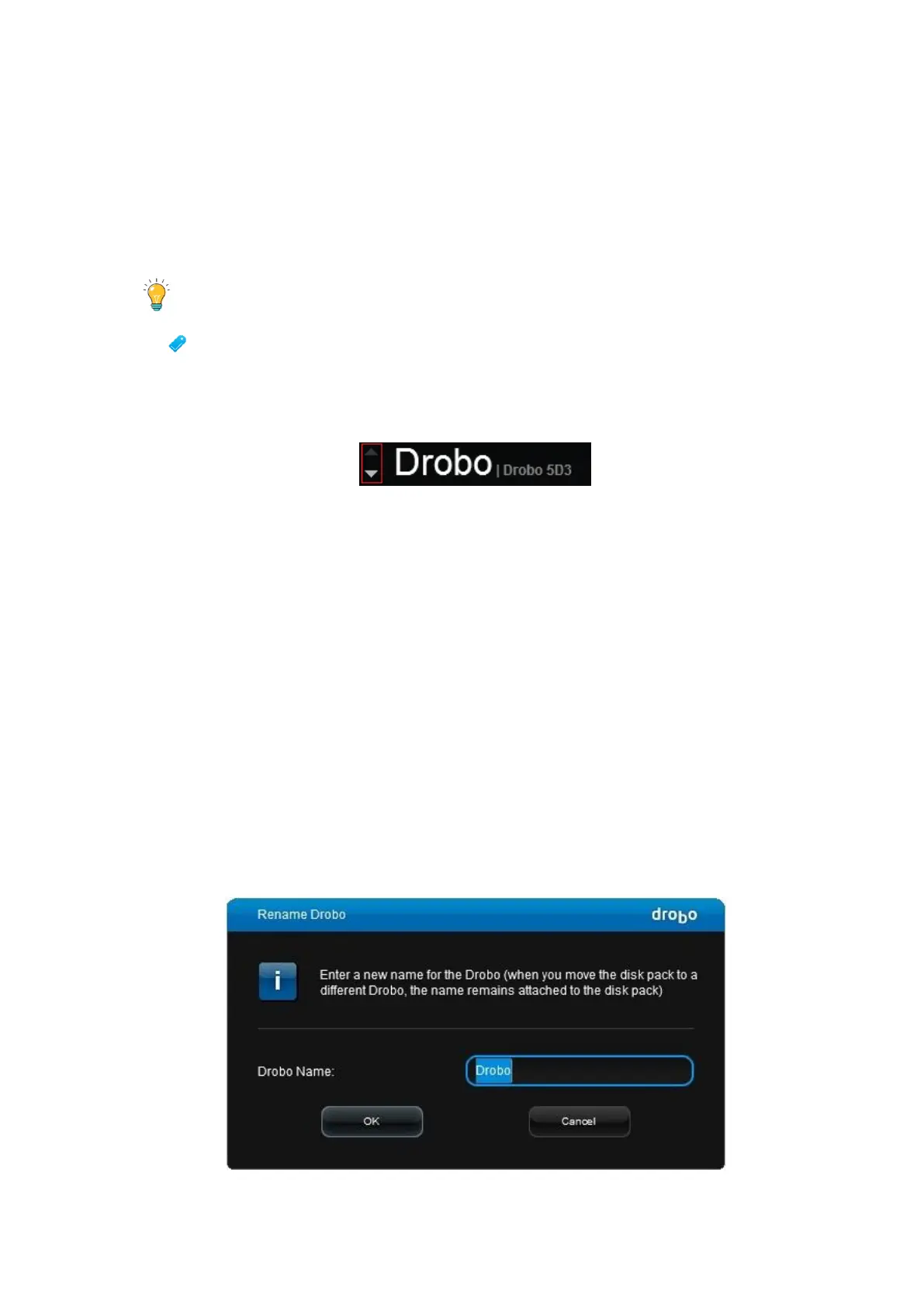
information for other connected Drobo devices (if applicable) by clicking the up or
down arrow key that displays to the left of the Drobo device name, which is in the
upper-left corner of the page. For example, see the arrows in the following image:
5.2 Renaming Your Drobo 5D3
To rename your Drobo 5D3:
1. Open the Drobo Dashboard and select the Drobo device that you would like to
rename from the All Drobos page.
2. Click the Tools option on the Navigation menu. The Tools page for that Drobo device
opens.
3. In the Drobo Operations area, click the Rename Drobo option. The Rename Drobo
dialog page opens.



 To Next Page