Drobo 5D3 User Guide 45
Tip:
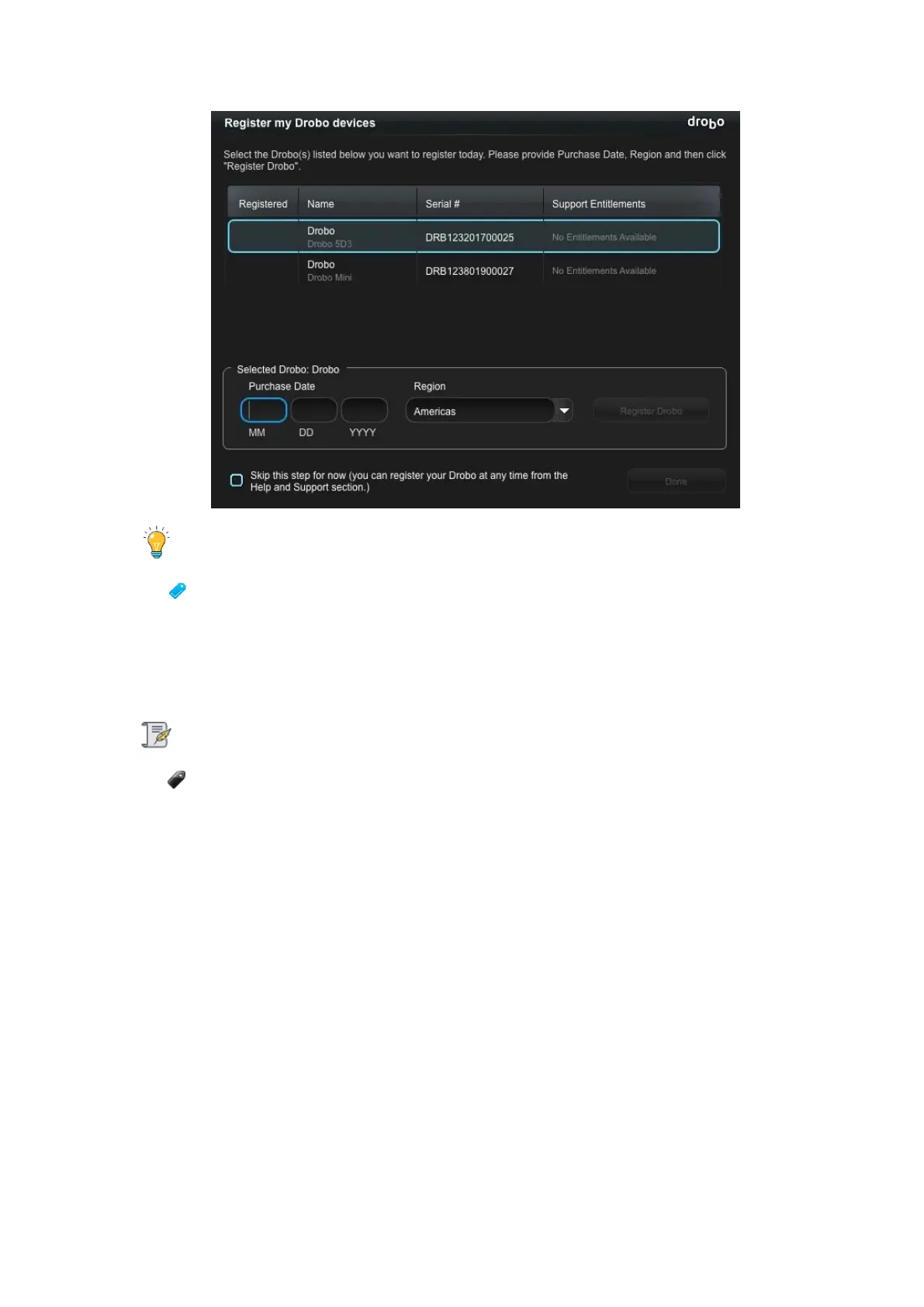
You can click the Skip this step for now check box at any time.
7. Once done, click the Register Drobo button.
8. The next page shows with a check mark that your product has been registered.
Note:
You can purchase a DroboCare license by clicking on the Buy additional license
link. You will be redirected to the DroboCare page.
9. Repeat steps 5 and 6 to register additional Drobo devices.
10. When finished, click the Done button. You will return to the Help and Support page.
3.8 Migrating a Disk Pack from Another
Drobo Device
The Drobo 5D3 supports migrating entire disk packs from Drobo 5C, Drobo Gen3, Drobo
5D and Drobo S, preserving all the data and volumes you had created. You can also
migrate disk packs from one Drobo 5D3 to another.



 To Next Page