Drobo 5D3 User Guide 73
6. It can take up to two minutes for your Drobo 5D3 to power down. Afterwards, the
power light turns off, indicating your Drobo device has shut down.
5.5 Resetting Your Drobo 5D3
You can reset your Drobo device back to its factory defaults.
Warning:
Resetting your Drobo device erases all the data on the drives.
To reset your Drobo 5D3:
1. Open the Drobo Dashboard and select the appropriate Drobo device from the All
Drobos page.
2. From the Navigation menu, click the Tools option. This opens the Tools page for that
Drobo device.
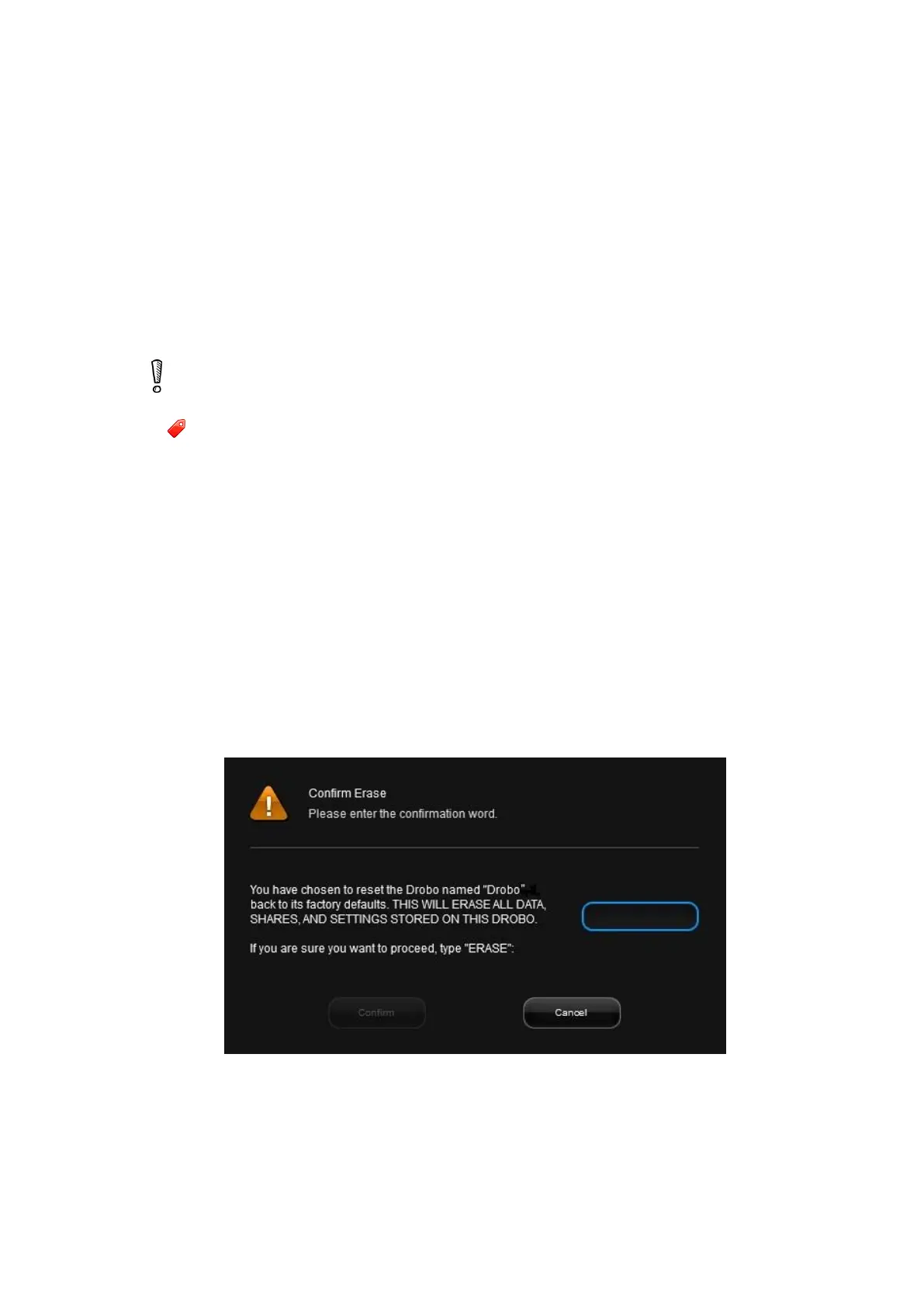
3. In the Drobo Reset area, click the Drobo Reset option. The Confirm Erase dialog
page opens.
4. If you are sure you would like to proceed, in the text box, type ERASE and click the
Confirm button.



 To Next Page