Drobo 5D3 User Guide 104
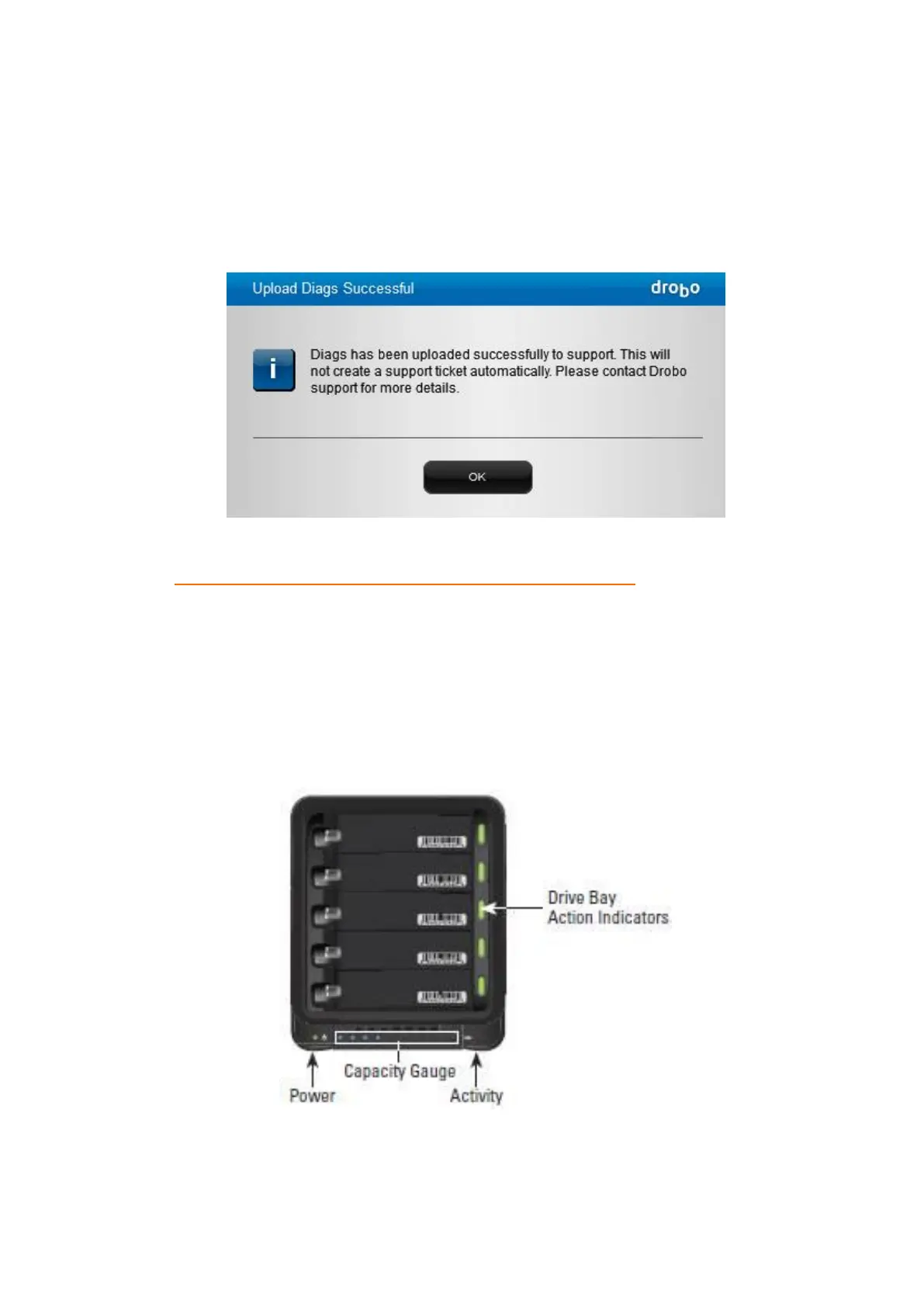
The Upload Diags Successful dialog box opens, indicating that the diagnostics has been
successfully uploaded to support.
Generating a diagnostics this way does not automatically create support incident, you
will need to create a support incident if you require assistance.
If you cannot generate a diagnostics file because your Drobo device does not mount,
see: What should I do if my Drobo storage device will not mount?
8.10 Understanding the Indicator Lights
Your Drobo 5D3 is equipped with various indicator lights which provide valuable
information. Refer to the image below.



 To Next Page