Drobo 5D3 User Guide 71
5.4 Safely Shutting Down Your Drobo 5D3
If you plan to shut down your Drobo 5D3 for any reason, it is very important that you
always do so safely. Improper Drobo device shutdowns may cause file corruption
and/or data loss.
It is a good idea to shut down your Drobo device before any of the following situations:
● You are not going to be using your Drobo 5D3 for an extended period
● You are going to disconnect the cable(s) or power cord
● You want to move your Drobo to another location
● You are going to remove the entire disk pack
● You are going to apply operating system updates
5.4.1 Safely Shutting Down Your Drobo 5D3 Using
Drobo Dashboard
This is the recommended method for safely shutting down your Drobo device.
To safely shutdown your Drobo device:
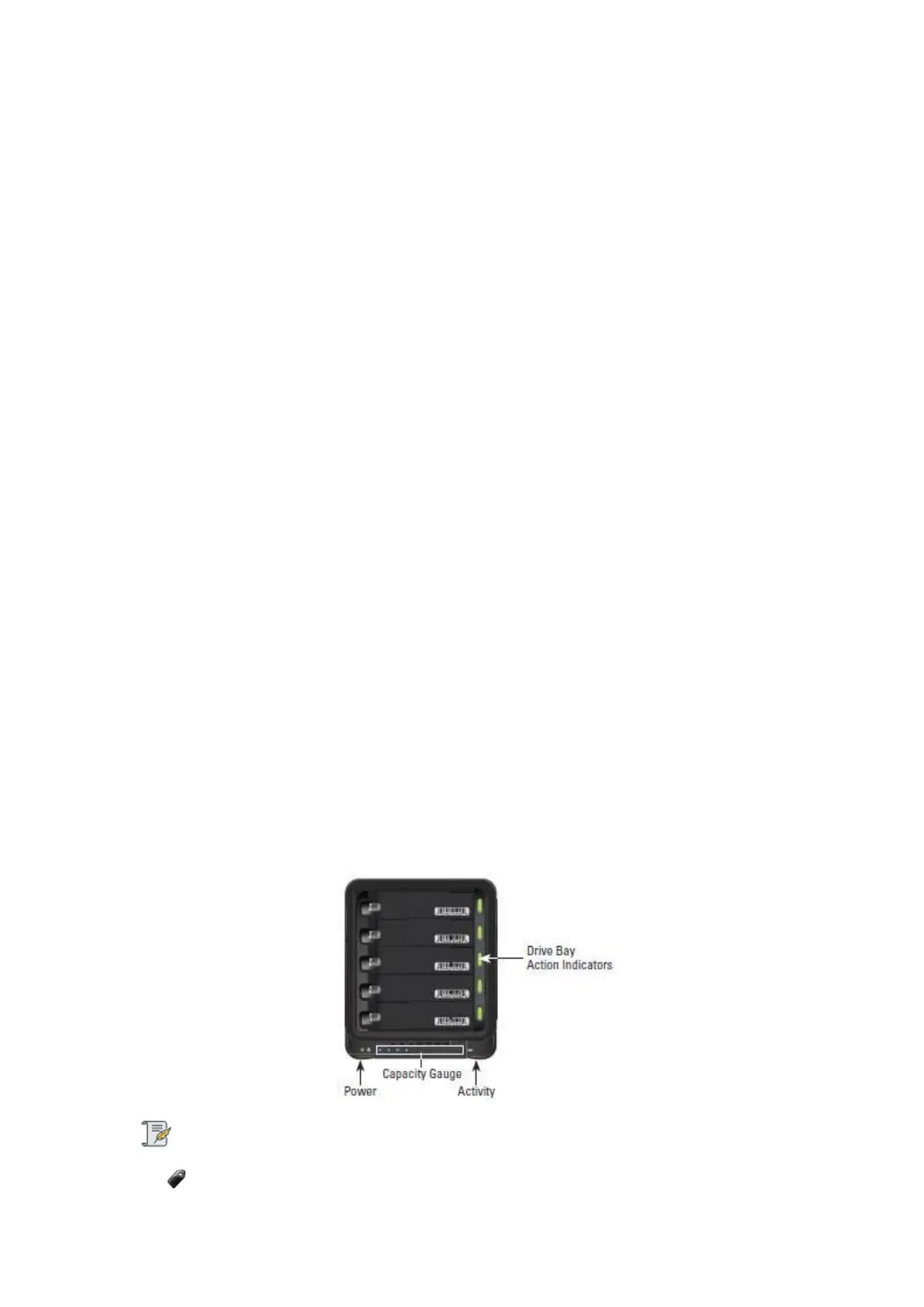
1. Check that the activity light on your Drobo device is off, indicating that no data is
actively being transferred to or from your Drobo device.
Note:
If data is actively being transferred, the activity light will be blinking green.



 To Next Page