Drobo 5D3 User Guide 113
● When a situation is important – Alerts will be e-mailed only to warn of an
important change to one or more of your Drobo devices that could lead to a
critical situation in the near future. These are Drobo Warnings and can include,
for example, when you convert to Dual Disk Redundancy on your Drobo device.
● On critical situations only – Alerts will be e-mailed only to warn of a critical
status with one or more of your Drobo devices that could lead to potential data
loss. These are Critical Drobo Alerts, which can include when your Drobo device
cannot currently protect your data against drive failure, when your Drobo
device doesn’t recognize one or more of the drives installed, when your Drobo
device does not detect any drives or when too many drives have been removed.
9.3 Disabling E-mail Alerts
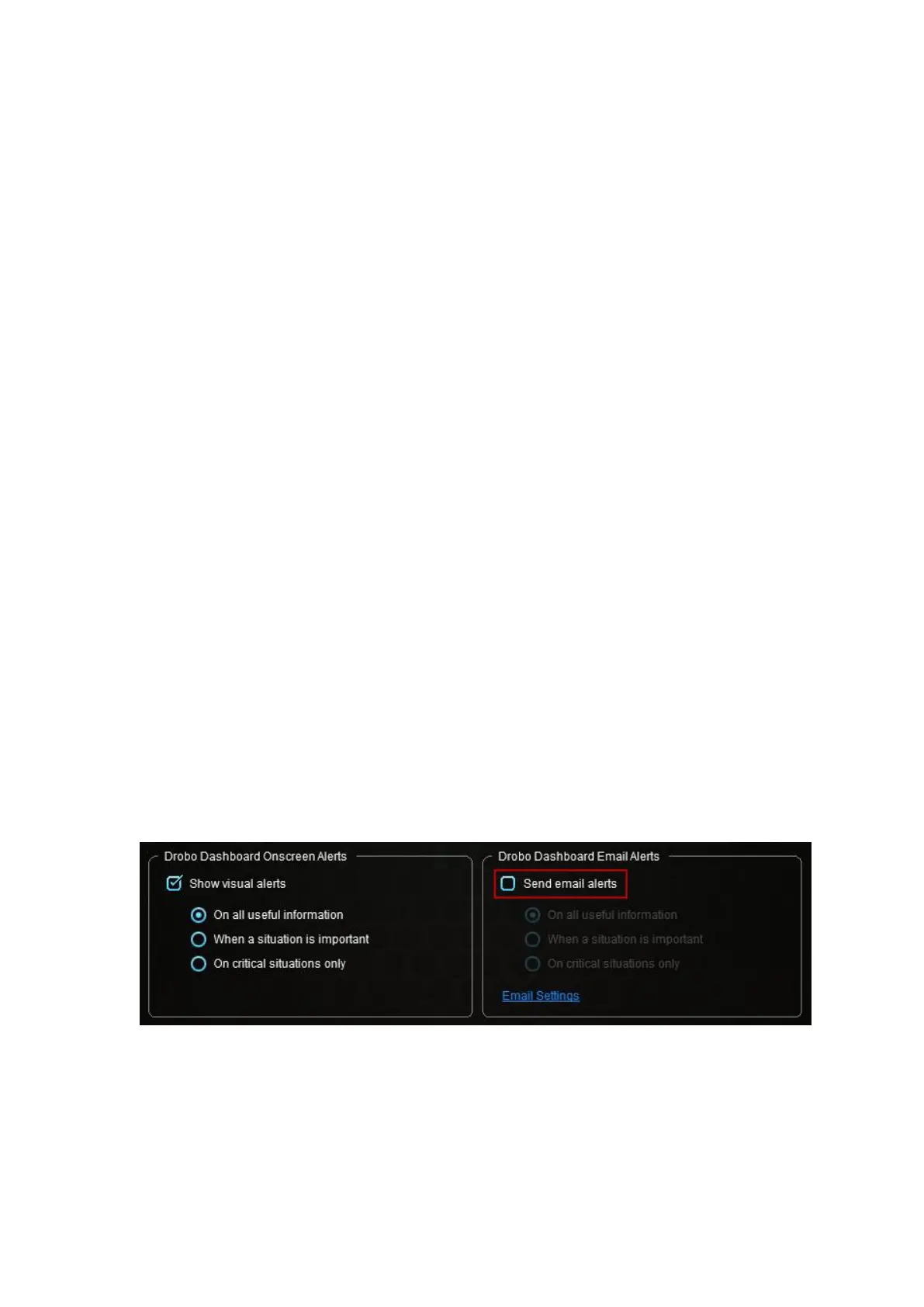
You can disable e-mail alerts at any time without changing your e-mail alert settings.
To disable e-mail alerts, follow these steps:
1. From the Drobo Dashboard, click the Dashboard Preferences option on the
Navigation menu. The Dashboard Preferences page opens.
2. In the Drobo Dashboard E-mail Alerts area, ensure the Send e-mail alerts check box
is cleared.



 To Next Page