Drobo 5D3 User Guide 42
Notes:
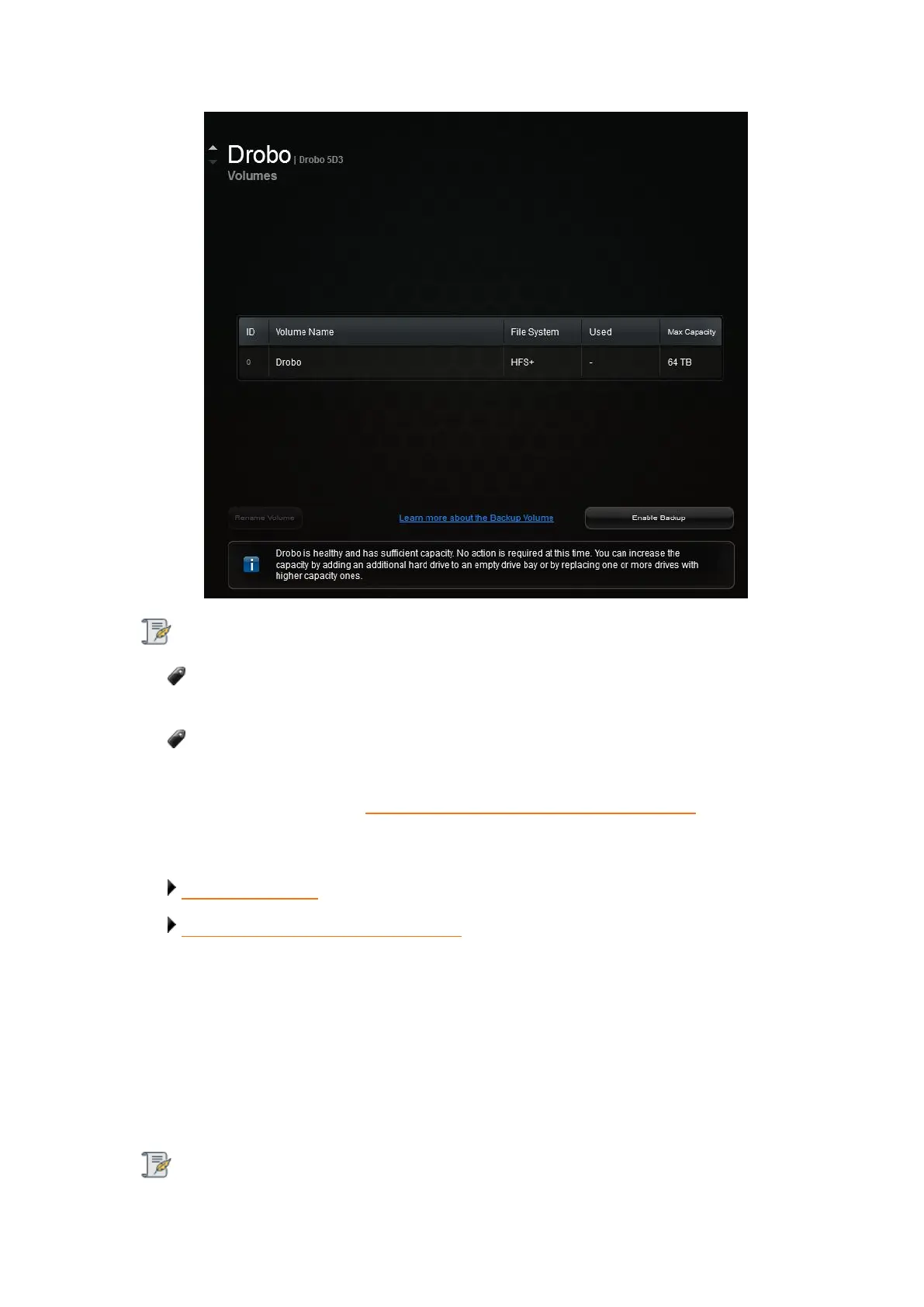
Drobo Dashboard automatically assigns “Drobo” as the default name for your
Drobo device, which you can rename later.
To use the Drobo's Dual Disk Redundancy feature, you will have to enable the
Dual Disk Redundancy checkbox in the General Settings page.
For more information see Enabling or Disabling Dual Disk Redundancy
Next in the Setup for Your Drobo 5D3
Where to Go Next
Return to Setting Up Your Drobo 5D3
3.7 Registering Your Drobo 5D3
If you did not register your Drobo device during initial setup, you can register the device
from your Drobo Dashboard.
Note:



 To Next Page