Drobo 5D3 User Guide 21
Note:
Do not flip the device to record the serial number while it is still ON.
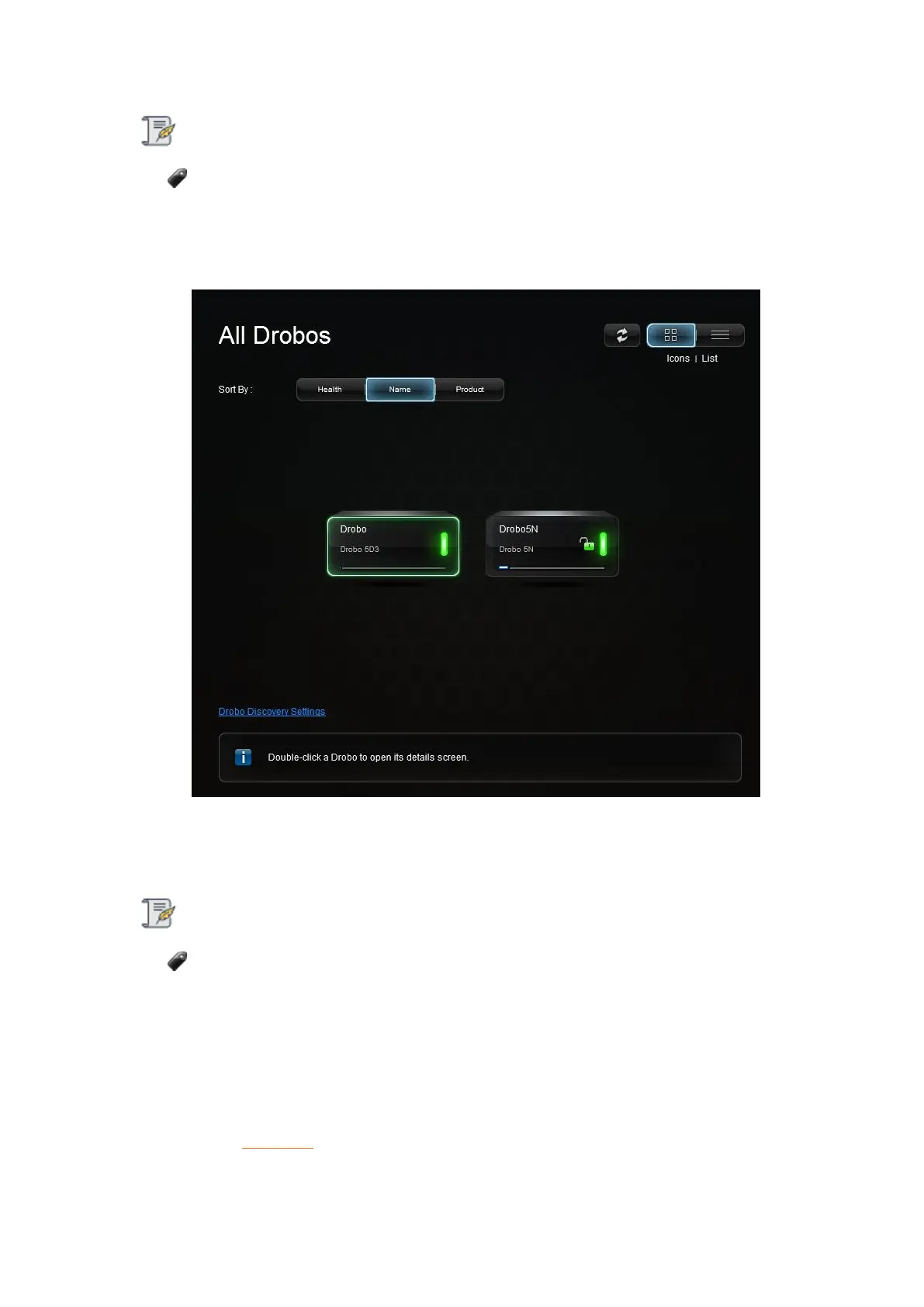
11. Click the Next button to view the All Drobos page. After a few seconds, Drobo
"discovers" all Drobo devices currently connected and displays them on this page.
12. If you have no Drobo device connected to the computer or powered on, a "No
Drobos Detected" message displays until you do.
Note:
Your Drobo 5D3 will not work properly until you update the firmware.
3.1.2 Installing Drobo Dashboard on Mac
To install the Drobo Dashboard on a Mac machine:
1. Go to the Start 5D3 page and download the Drobo Dashboard installation file for
Mac.



 To Next Page