Drobo 5D3 User Guide 61
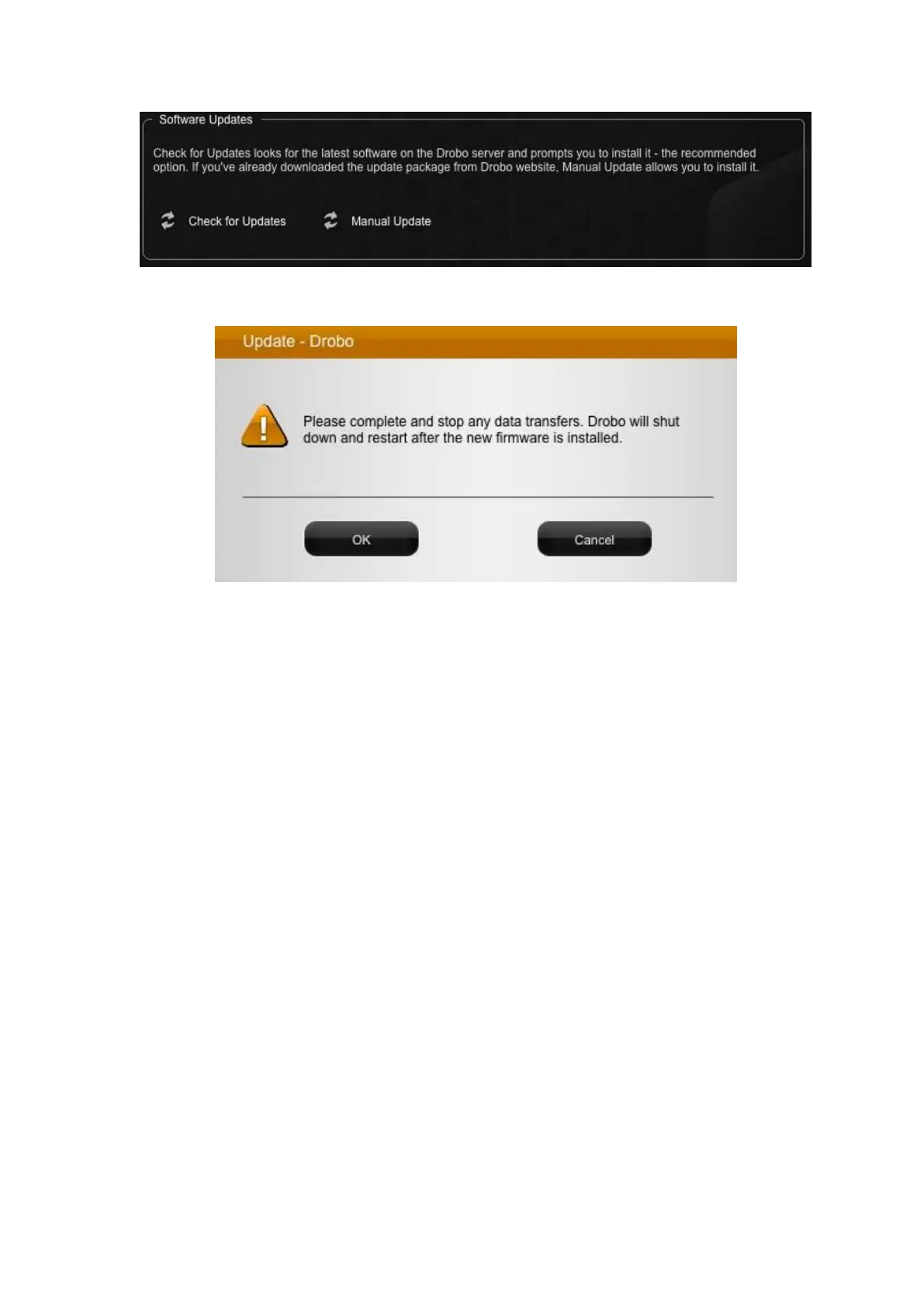
4. A warning message opens, asking you to complete or stop any data transfers.
5. Ensure that the Drobo device is not actively transferring data (blinking yellow and
green), and then click the OK button. A dialog box opens, asking you to locate the zip file
on your computer.
6. Please do so and then click the Open or OK button.
7. Drobo installs the firmware. When finished, a message opens, asking you to reboot
your Drobo device to complete the installation.
8. Click the Yes button. Drobo shuts down and restarts after the new firmware is
installed.
5.1.3 Touring Drobo Dashboard
In this topic, the two main areas of Drobo Dashboard are defined for the Drobo 5D3: the
All Drobos page and the Navigation menu.
All Drobos Page



 To Next Page