Drobo 5D3 User Guide 62
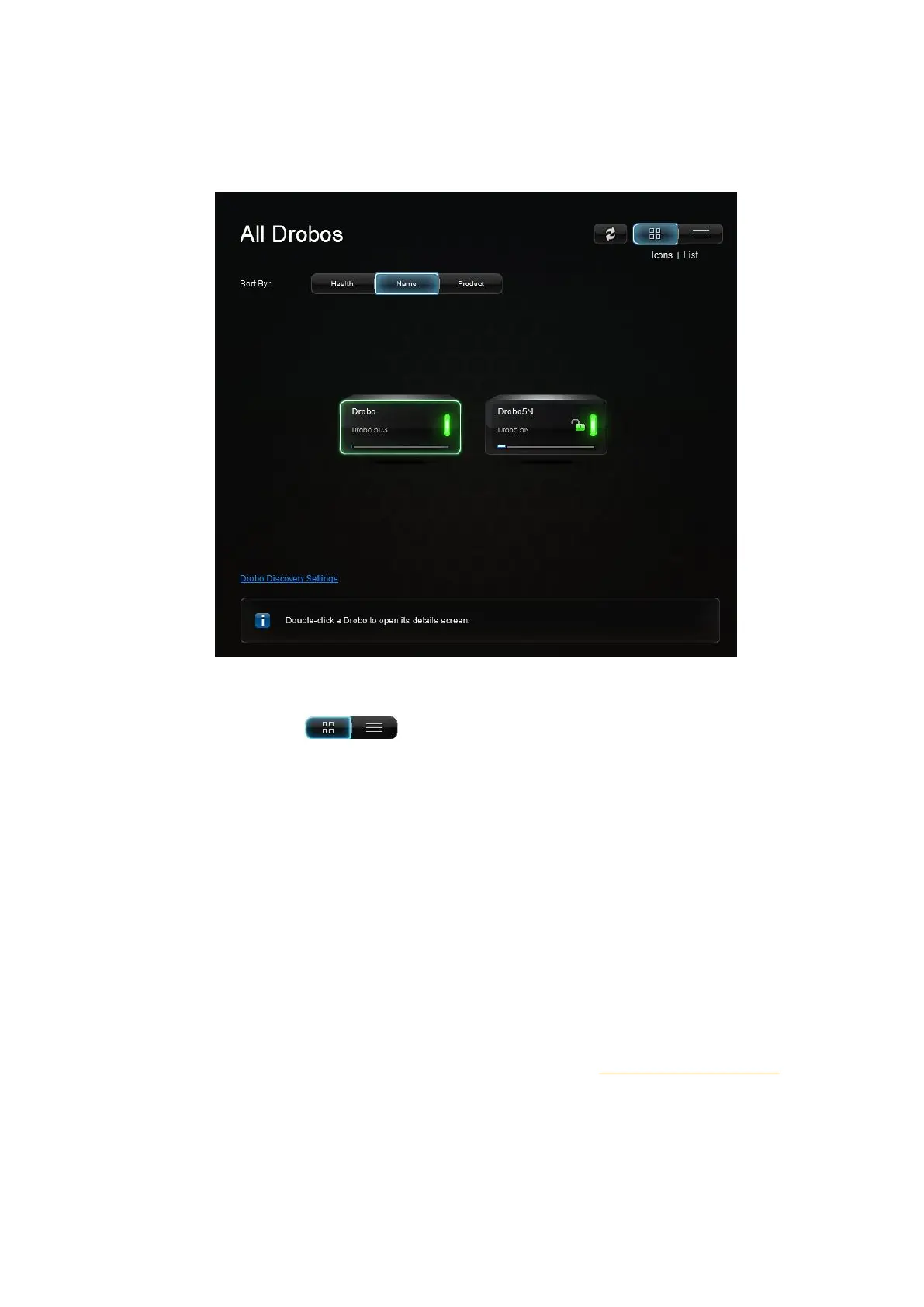
When you first open the Drobo Dashboard, by default, the All Drobos page appears
displaying all Drobo devices connected to your computer and/or network.
View
● The View buttons in the upper-right corner of the page enable you to
view your Drobo devices in one of the two following ways:
● View by Icon– This button provides a view of the connected Drobo devices
displaying each device as an icon. The selected Drobo device is highlighted with a green
border.
● View as List – This button provides a view of your Drobo devices in table format.
Information in the list includes total protected capacity available for data, used capacity,
free capacity, your device’s serial number and whether you are currently logged in or
out (if applicable). The currently selected Drobo device has a blue border.
For more information on understanding capacity values, see Checking Storage Usage.
You can click on a button to change the view. In both views, Drobo devices appear with
green glowing lights if they are healthy.



 To Next Page