Drobo 5D3 User Guide 70
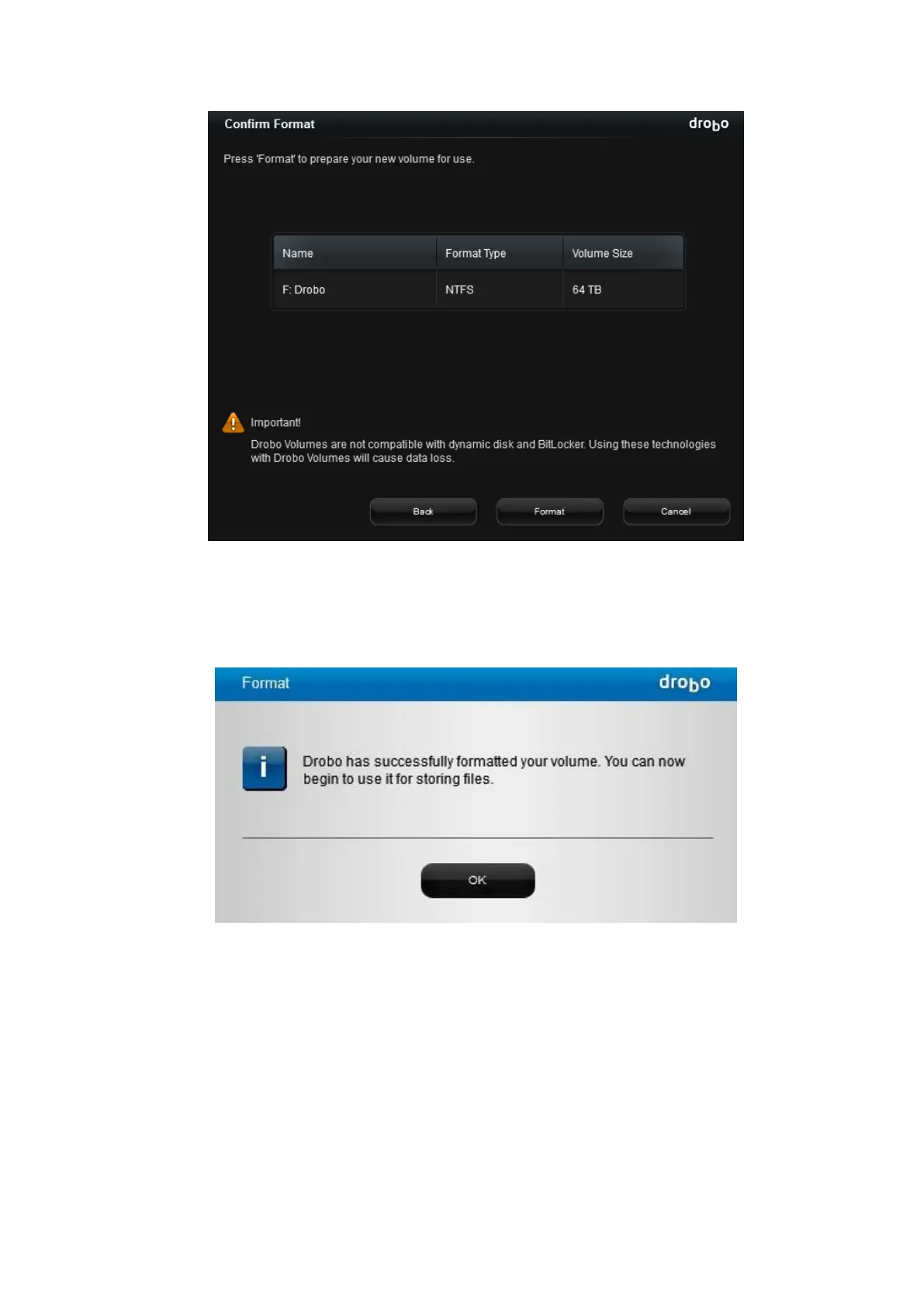
9. Click the Format button. A message opens, informing you that it can take up to five
minutes to format your drives, and that this may require rebooting your Drobo device.
Afterwards, the Format dialog box opens.
10. Click the OK button. Your Drobo device displays on the Tools page in Drobo
Dashboard.



 To Next Page