Drobo 5D3 User Guide 69
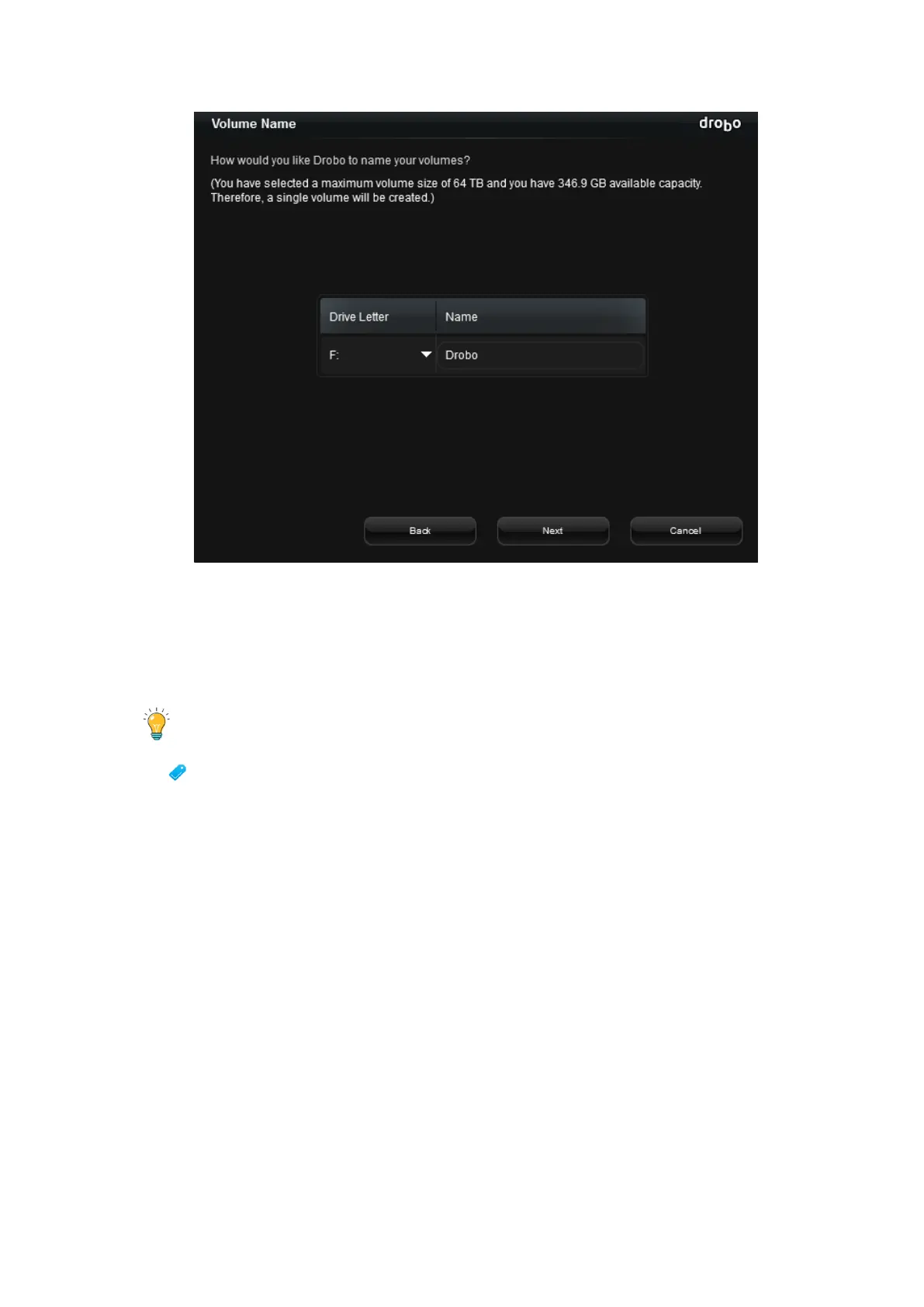
6. If applicable, from the Drive Letter drop-down list, select the drive letter to assign to
the volume.
7. In the Name text box, modify the default name for the volume as you like.
Tip:
We recommend using the word “volume” in the name so as to not confuse the
volume name with your Drobo device’s name.
8. Click the Next button. The Confirm Format page opens.



 To Next Page