Drobo 5D3 User Guide 64
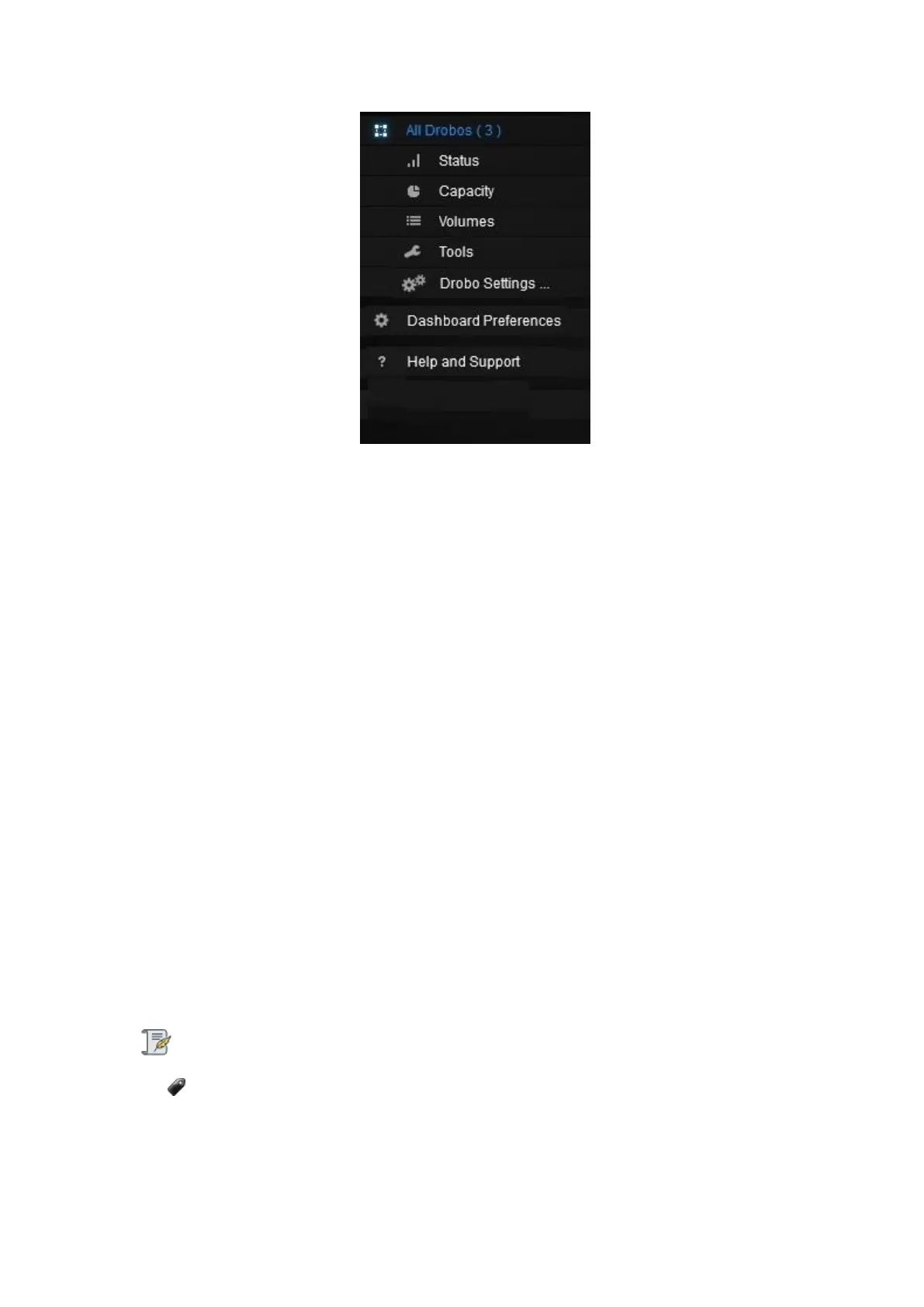
Menu options include the following:
● All Drobos (#), where # is the number of Drobo devices you have connected – Opens
the All Drobos page.
● Status – Opens the Status page, where you can view a variety of status information
for the selected Drobo device, such as drive information, device serial number and
more.
● Capacity – Opens the Capacity page, where you can view how your Drobo device’s
storage capacity is being used.
● Volumes – Opens the Volumes page, which enables you to view and manage
volumes for your Drobo device.
● Tools – Opens the Tools page, which provides access to special tools, such as those
to restart your Drobo device or check for software updates.
● Drobo Settings – Opens a sub-menu with the option to modify various types of
settings, such as General, Admin and Network.
Note:
Not all Drobo devices include all of these options.
● Dashboard Preferences – Opens the Dashboard Preferences page, which enables
you to modify Dashboard settings, such as those for automatic software updates and e-



 To Next Page