Drobo 5D3 User Guide 107
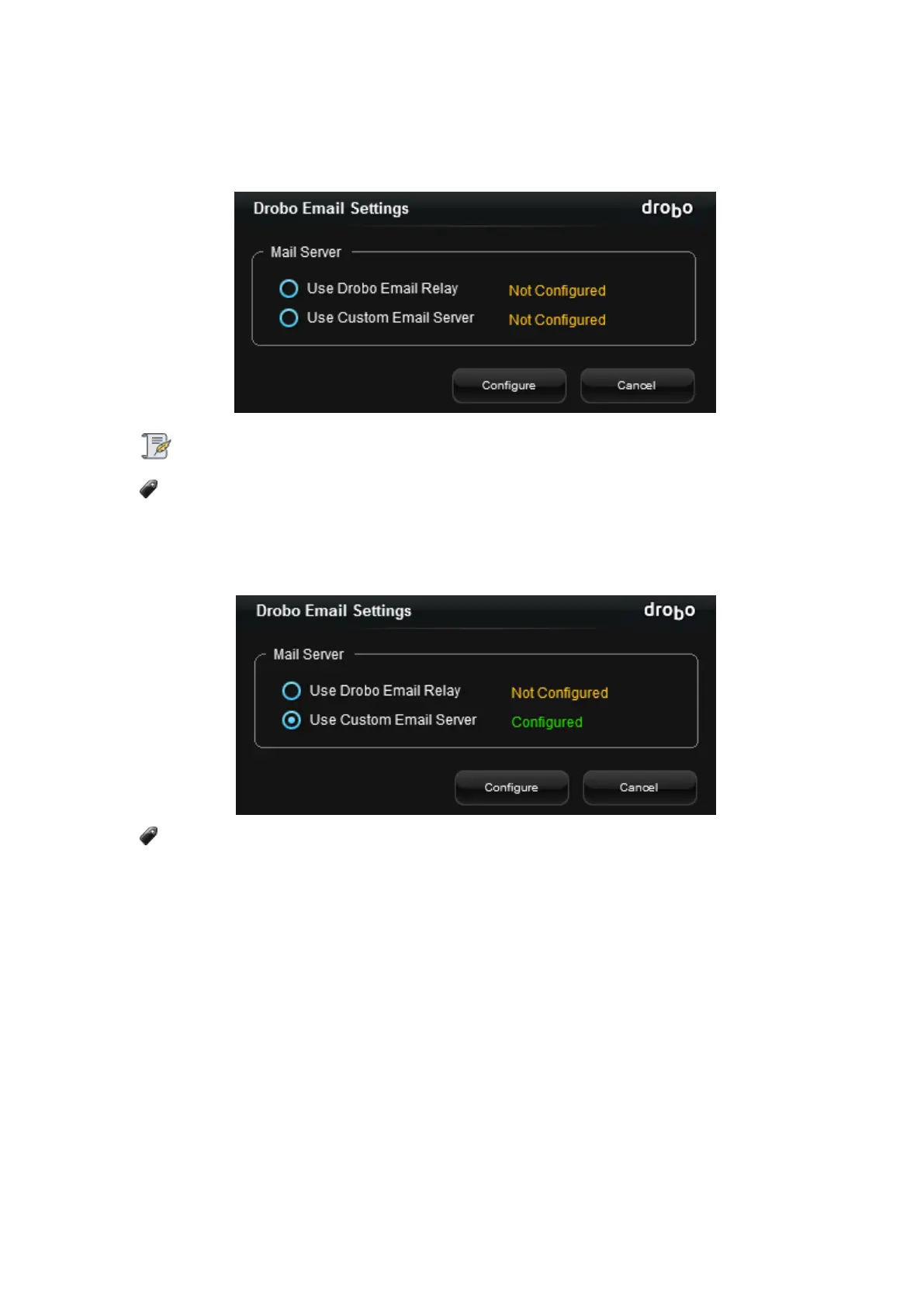
3. Drobo email settings can be configured using one of the two options, Use Drobo
Email Relay or Use Custom Email Server.
Note:
If you had already configured the mail server before and upgraded to the latest
Dashboard version now, by default the Use Custom Mail Server option remains
configured as shown in the figure below.
Only one of the Mail Servers can be configured at a time.
Drobo Email Relay
To configure Drobo Email relay Sever, follow the steps given below:
1. Select the Use Drobo Email Relay radio button and click Configure.
2. Enter the e-mail address in the space provided at which you wish to receive the
notifications and click the Send Verification Email button.



 To Next Page