Drobo 5D3 User Guide 67
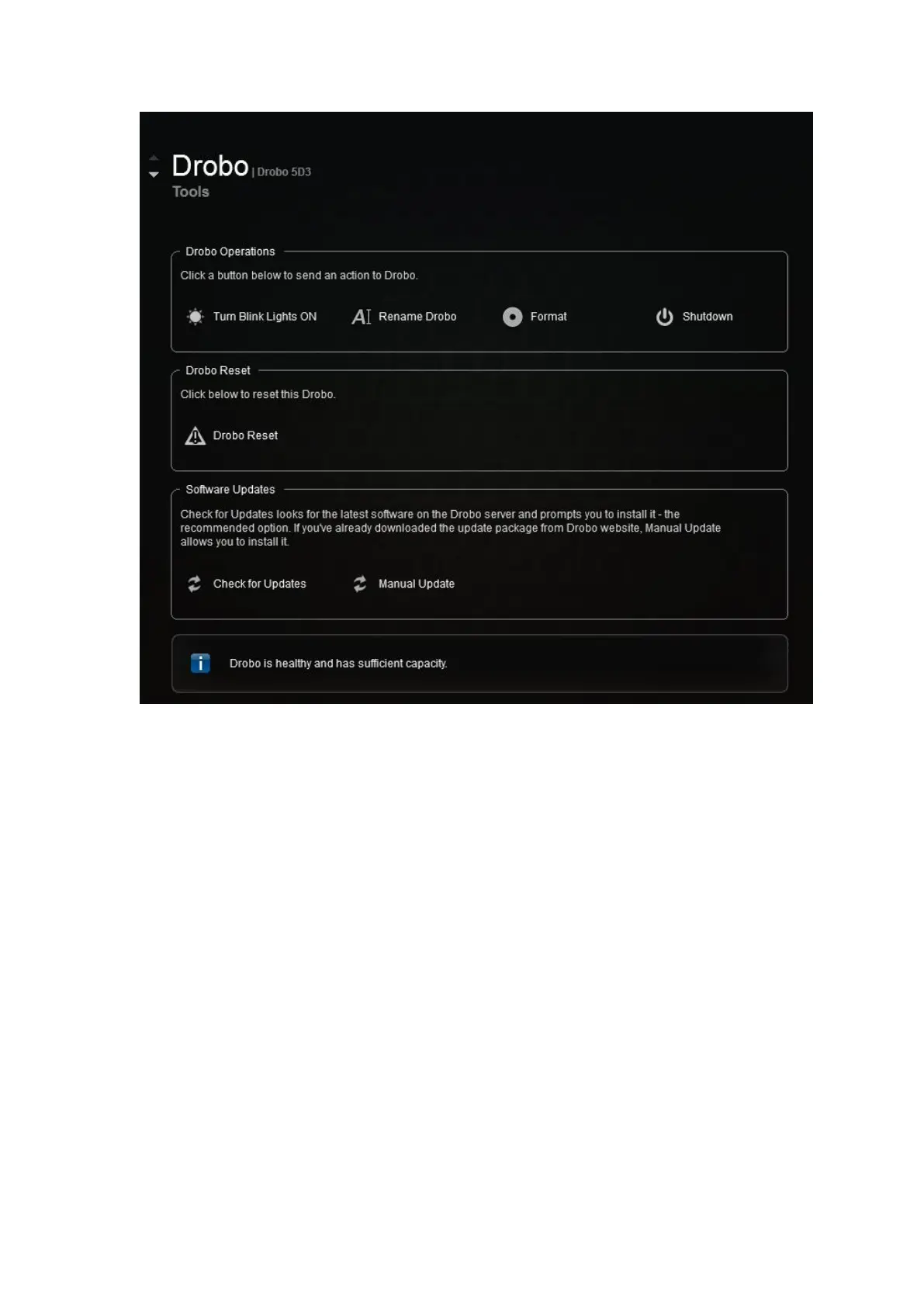
3. In the Drobo Operations area, click the Format option. A dialog box opens, warning
that your data on the drives will be lost and asking if you would like to continue.
4. Click the Yes button to continue. The Format Type page opens. Depending on your
operating system the page displays with different options.
This is the Format Type page for Drobo 5D3 in Windows



 To Next Page