Description of Controls
057-233 ISSUE: 1 Page 46 of 90
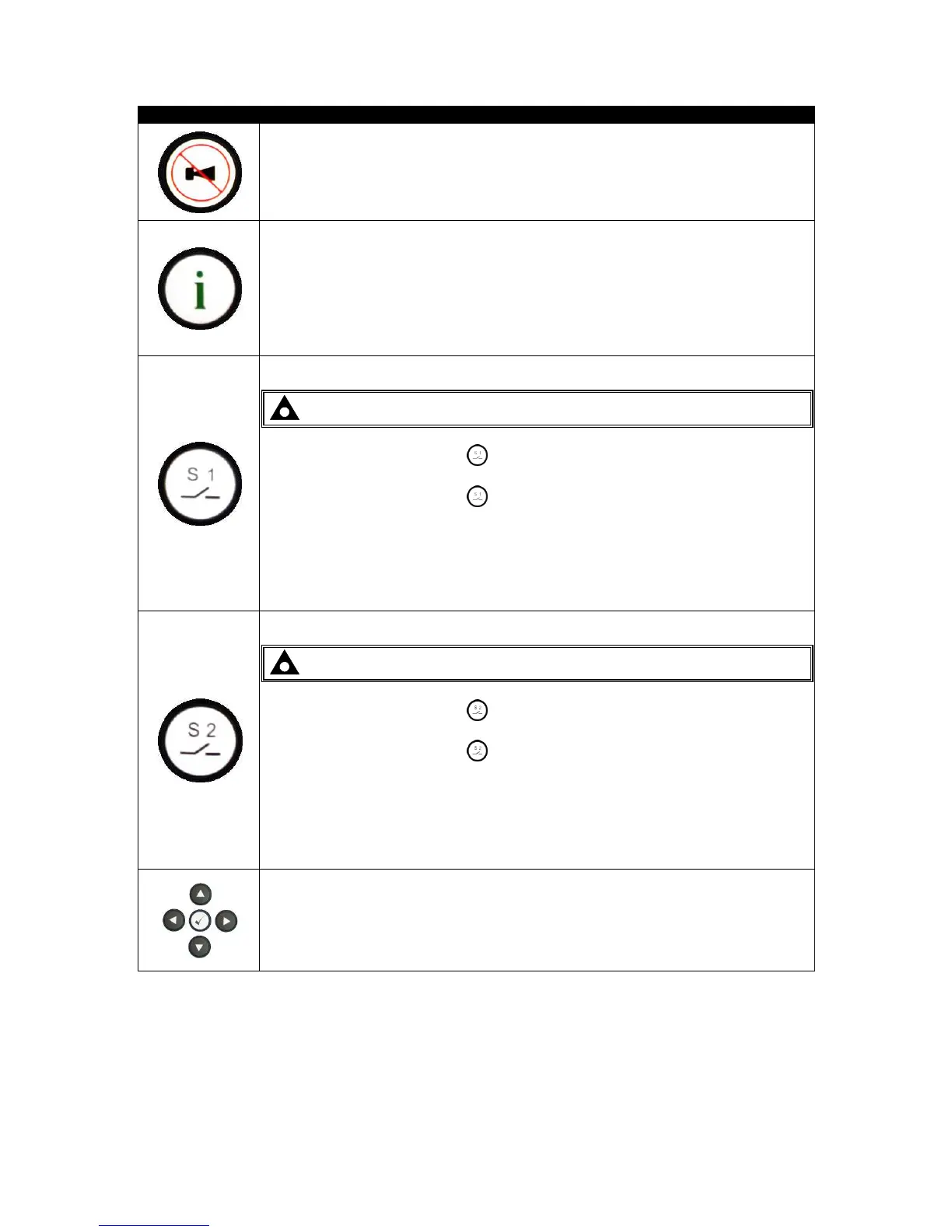
This button silences the audible alarm if it is sounding and illuminates all of the
LEDs as a lamp test feature.
Whilst pressing this button, the module displays the reason, time, date and
duration for the latest transfer that occurred, holding this button cycles between the
last S1 transfer and the last S2 transfer.
For further details, please see the more detailed description of ‘Viewing Latest
Transfer Information Page’ elsewhere in this manual.
NOTE: This button only operates in manual mode.
Pressing the Close / Open S1 button when S1 is on load, opens the S1 load
switch.
Pressing the Close / Open S1 button when S2 is on load and S1 is healthy, the
S2 load switch opens, wait for the duration of the transfer delay, then closes the S1
load switch.
For further details, please see the more detailed description of ‘Manual operation’
elsewhere in this document.
NOTE: This button only operates in manual mode.
Pressing the Close / Open S2 button when S2 is on load, opens the S2 load
switch.
Pressing the Close / Open S2 button when S1 is on load and S2 is healthy, the
S1 load switch opens, wait for the duration of the transfer delay, then closes the S2
load switch.
For further details, please see the more detailed description of ‘Manual operation’
elsewhere in this document.
Used for navigating the instrumentation, event log and configuration screens.
For further details, please see the more detailed description of these items
elsewhere in this manual.



 To Next Page