Description of Controls
Page 45 of 90 057-233 ISSUE: 1
4.1 CONTROL PUSH-BUTTONS
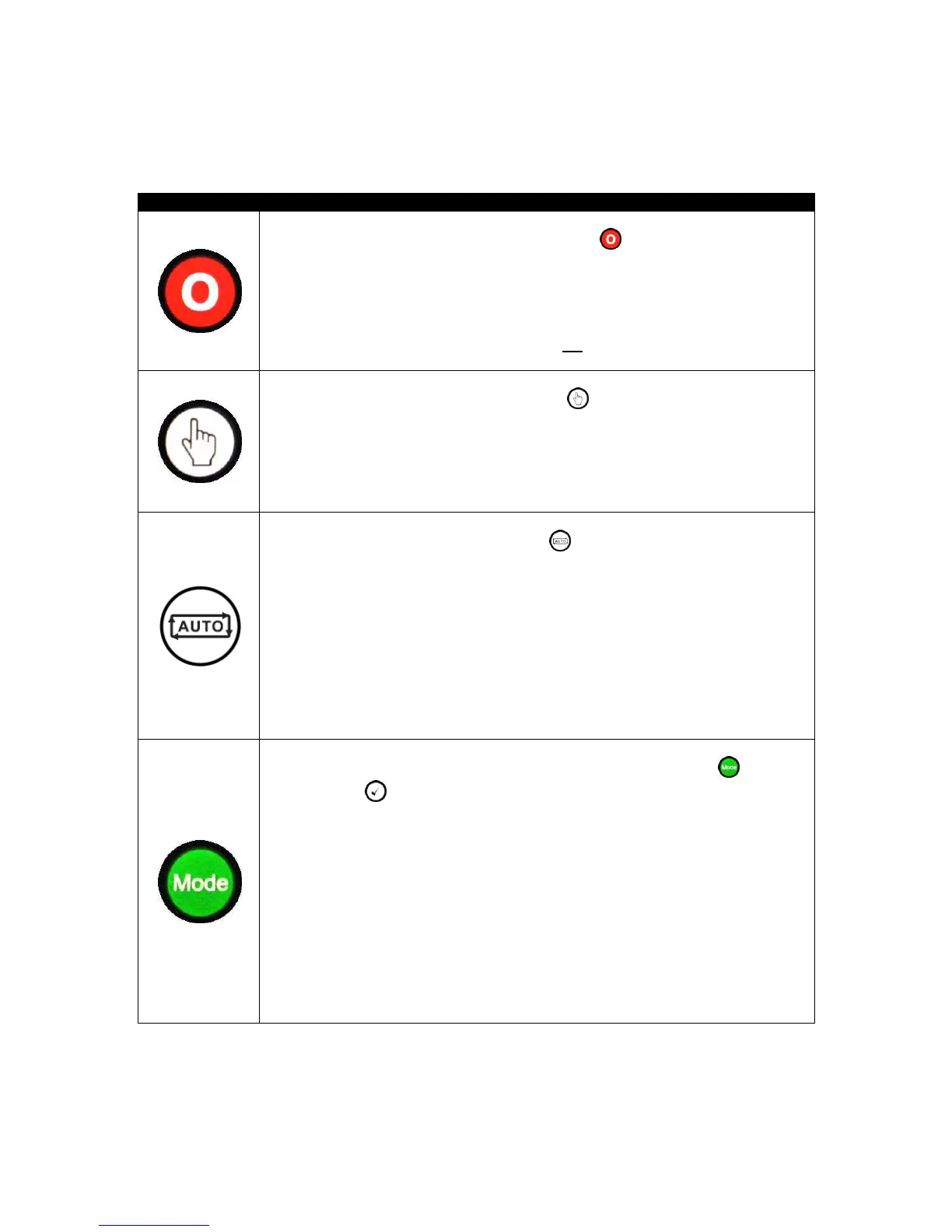
This button places the module into its Stop / Reset mode. This clears any
alarm conditions for which the triggering criteria have been removed. If S2 is on
load and the module is placed into Stop mode, the module automatically instructs
the changeover device to unload the S2 source (Close S2 Output becomes
inactive (if used)). If S2 is configured for a generator, the start signal given to the
generator controller is also removed. If a Remote Start signal is present while
operating in this mode, the remote start does not occur.
This button places the module into its Manual
mode to allow manual control of
the ATS functions. This starts S2 when configured as a generator, and runs it off
load.
For further details, please see the more detailed description of ‘Manual operation’
elsewhere in this document.
This button places the module into its Auto mode. This mode allows the
module to control the function of S1 and S2 automatically. The module monitors
the remote start input and S1 supply status and once a start request is made, a
start request is given to S2 if configured to a generator and once available, placed
on load.
Upon removal of the starting signal, the module automatically transfers the load
from S2 and remove the start signal to the generator observing the return delay
timer and cooling timer as necessary. The module then awaits for the next start
event.
For further details, please see the more detailed description of ‘Auto operation’
elsewhere in this manual.
This button allows the user to cycle through different operating Mode and
press the Tick
to accept the mode change.
The modes available are:
Test On Load: This mode allows the module to start and load S2 for test purposes.
Test Off Load: This mode allows the module to start S2 and leave off load for test
purposes.
Prohibit Return: This mode is used to prevent the module from returning load the
S1 until instructed.
For further details, please see the more detailed description of ‘Mode operation’
elsewhere in this manual.



 To Next Page