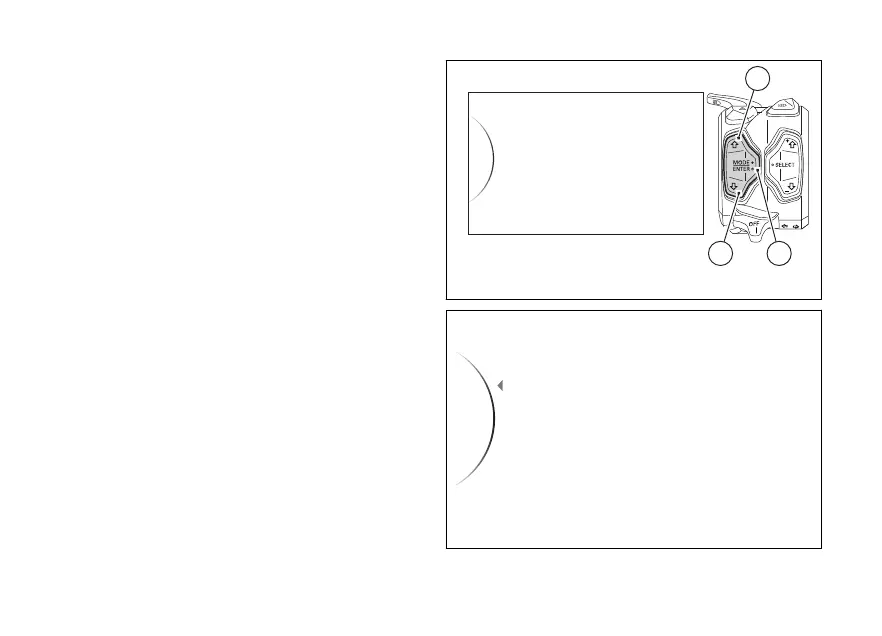
Menu - Lap
This function allows enabling or disabling the LAP
function (see page 121) and viewing and deleting the
recorded LAPs.
●
Enter the menu.
●
Use (1) and (2) to select item “Lap” and
press the ENTER (3).
In this menu the function current status is displayed
on the right side and the following items on the
side:
●
to disable the LAP function.
●
"On" to enable the LAP function.
●
“Lap Data” to view the stored laps.
●
“Erase All” to delete all memorised LAPs (visible
only if there are memorised LAPs).
Select the desired item using (1) and (2),
then press the ENTER (3).
According to whether the GPS EVO is installed or
not, the “Lap Data” function shows the recorded
times in LAP BASIC or LAP EVO mode.
Any time the key is turned on, the Lap function is set
to
Lap
Backlight
DRL
Riding Mode
Pin Code
32
1
Fig 133
Fig 134
196













 To Next Page