Bluetooth device pairing and
management (if any)
This function allows the user to manage any paired
Bluetooth devices and add more. This function is
only available if the Bluetooth module is installed to
the bike.
●
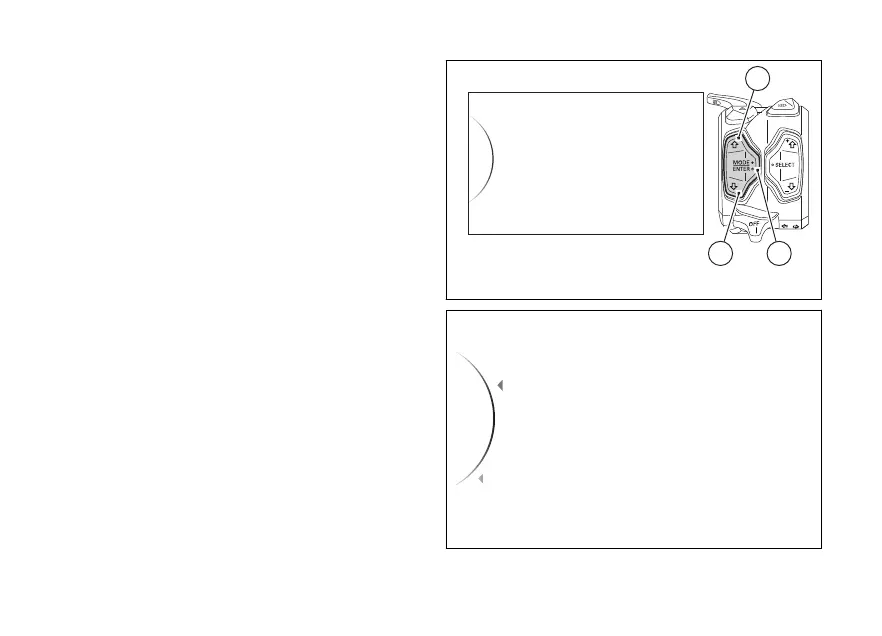
Enter the menu (see page 130).
●
Use (1) and (2) to select item “Bluetooth”
and press the ENTER (3).
This menu includes the "Associated Devices" option
to view and delete any paired devices and the
"Pairing" option to pair a new device.
Select the required option and press the ENTER
(3).
To exit the menu and return to the previous screen,
select the “Back” item and press the ENTER
(3).
Bluetooth
DDA
Turn indicators
Date and Time
Tyre Calibration
32
1
Fig 1
Associated Devices
Pairing
...
Back
Back
Fig 2
19













 To Next Page