Menu - Units
This function allows the units of
measurement used by the instrument panel.
●
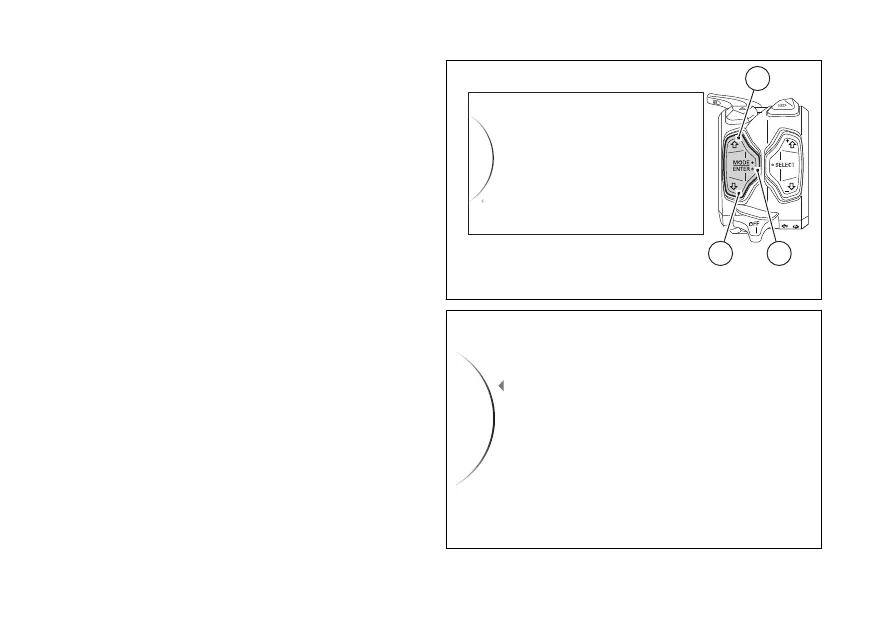
Enter the menu.
●
Use (1) and (2) to select item “Units” and
press the ENTER (3).
The “Speed”, “Temperature”, “Consumption”, “All
Default” items are displayed (visible only if one or
more parameters are from the default
ones).
Use (1) and (2) to scroll and select the desired
item. Press ENTER (3) to confirm.
To exit the menu and return to the previous screen,
select the “Back” item and press the ENTER
(3).
Units
...
Info
DDA
Turn Indicators
Exit
32
1
Fig 158
Speed
Temperature
Consumption
...
Back
Fig 159
216













 To Next Page