Menu - DRL
This function allows the status of the DRL in
automatic or manual mode. Available only if daytime
running lights (DRL) are present.
●
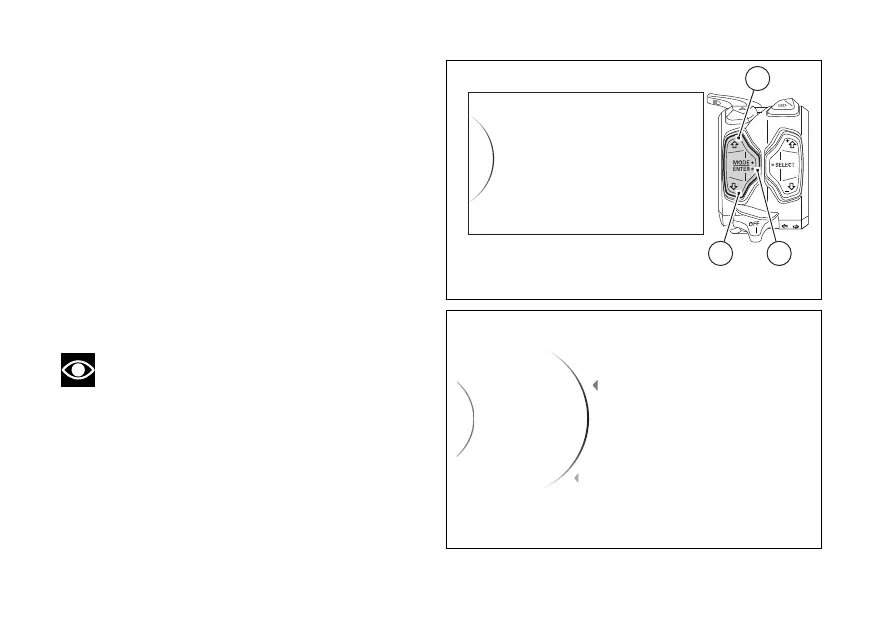
Enter the menu.
●
Use (1) and (2) to select item “DRL” and
press the ENTER (3).
“Auto” and “Manual” are displayed in the middle.
While the currently set mode is shown on the right.
Use (1) and (2) to scroll and select the desired
mode. Press ENTER (3) to confirm.
To exit the menu and return to the previous screen,
select the “Back” item and press the ENTER
(3).
Note
In case of disconnection, the "Auto"
mode is automatically set.
DRL
Date and Time
Tyre calibration
Lap
Backlight
32
1
Fig 142
DRL
Auto
Manual
...
...
Auto
Back
Back
Fig 143
203













 To Next Page