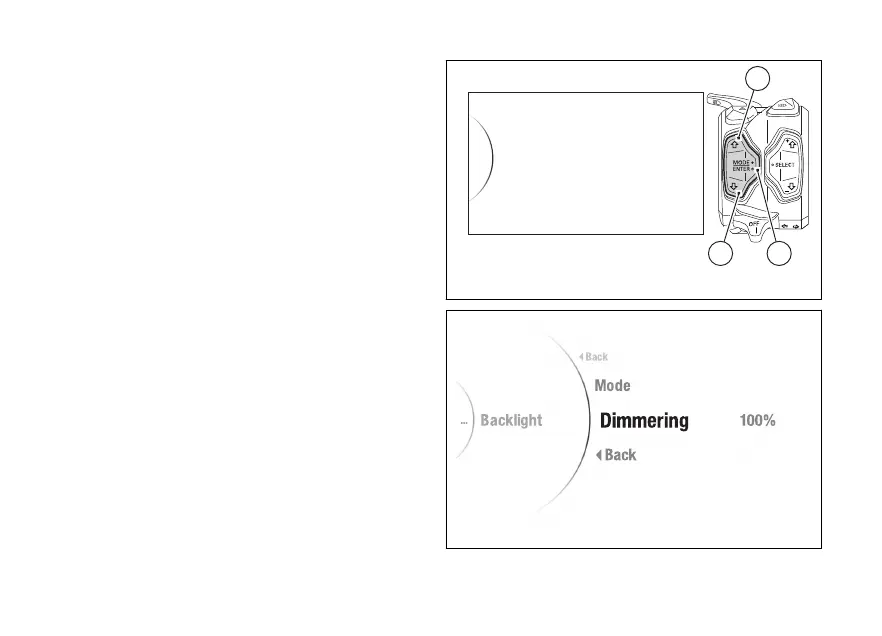
Menu - Backlight
This function allows the display day or night
mode and adjusting the intensity of the
backlighting.
●
Enter the menu.
●
Use (1) and (2) to select item “Backlight”
and press the ENTER (3).
The “Mode” and “Dimmering” items are displayed.
The currently set level is displayed on the right
(Fig 139).
Use (1) and (2) to scroll and select the desired
item. Press ENTER (3) to confirm.
To exit the menu and return to the previous screen,
select the “Back” item and press the ENTER
(3).
Backlight
DRL
Date and Time
Pin Code
Lap
32
1
Fig 138
Fig 139
200













 To Next Page