Day or night mode
This function allows the display day or night
mode.
●
Enter the menu.
●
Use (1) and (2) to select item “Backlight”
and press the ENTER (3).
●
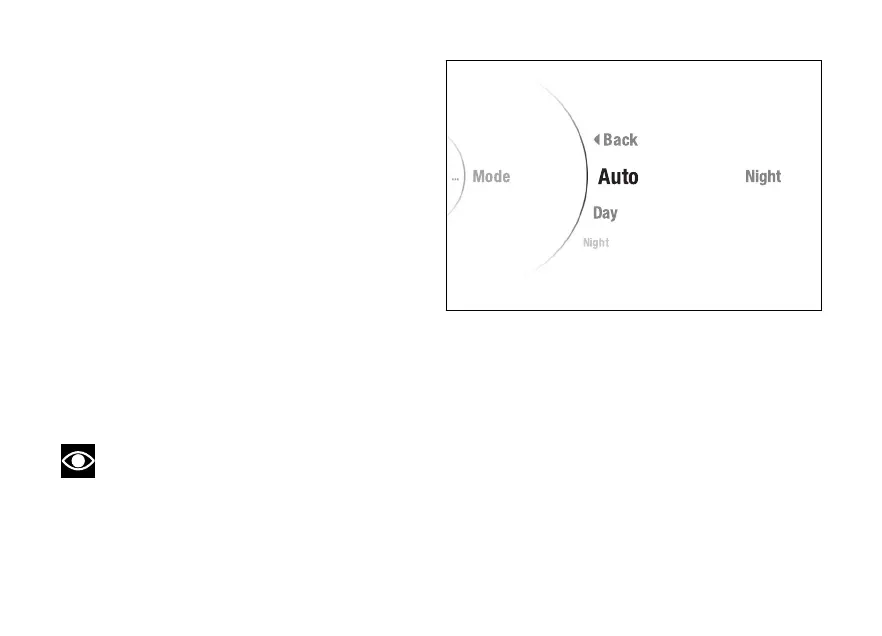
Select the “Mode” item and press ENTER (3).
The “Auto”, “Day” and “Night” items are displayed.
While the current status of the function is shown on
the right.
The "Auto" mode allows the background colour to
automatically change according to the ambient light
detected by the instrument panel.
Use (1) and (2) to scroll and select the desired
mode. Press ENTER (3) to confirm.
To exit the menu and return to the previous screen,
select the “Back” item and press the ENTER
(3).
Note
In case of disconnection, the "Auto"
mode is automatically set.
Fig 140
201













 To Next Page