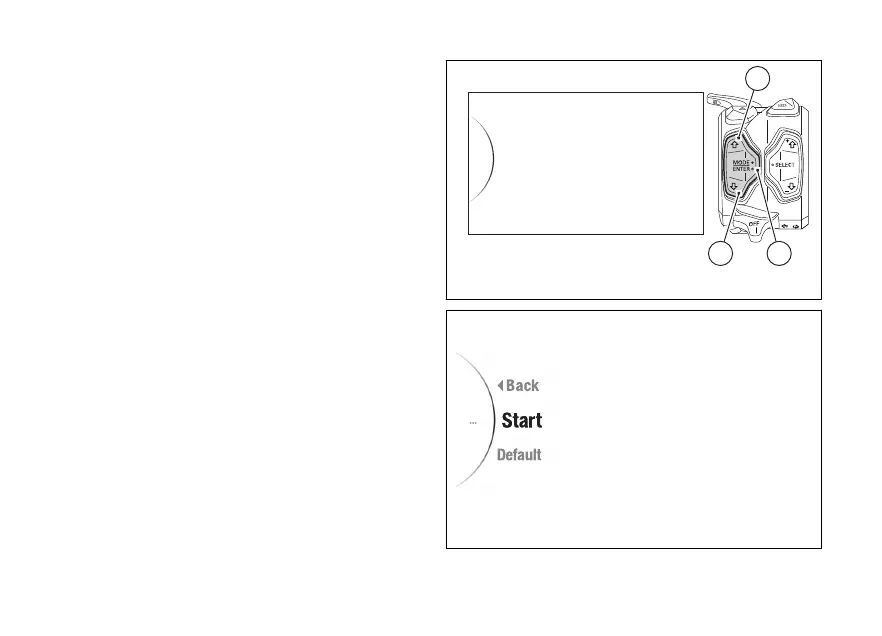
Menu - Tyre Calibration
This function allows the user to run the procedure for
calibrating and teaching in the tyre rolling
circumference or to restore their original values.
●
Enter the menu.
●
Use (1) and (2) to select item “Tyre
Calibration” and press the ENTER (3).
The options and "Default" are displayed
(visible only if user set a calibration from
the default one).
Select the required option and press the ENTER
(3).
To exit the menu and return to the previous screen,
select the “Back” item and press the ENTER
(3).
Tyre Calibration
Bluetooth
DDA
DRL
Date and Time
32
1
Fig 148
Fig 149
207













 To Next Page