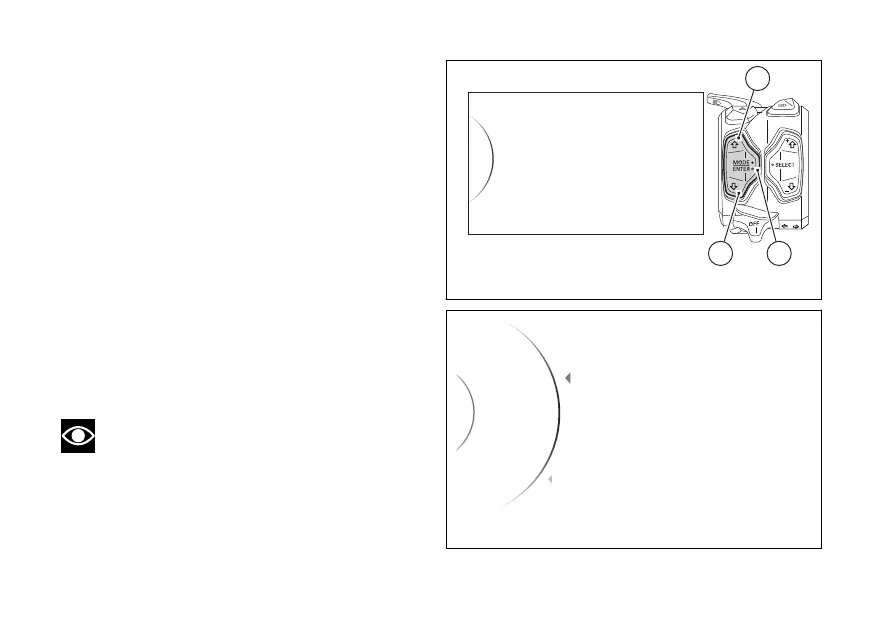
Menu - Turn indicators
This function allows user to set the turn indicators to
automatic mode or manual mode.
The turn indicator automatic strategy is
implemented based on calculation of leaning angle,
vehicle speed and run distance.
●
Enter the menu.
●
Use (1) and (2) to select item “Turn
Indicators” and press the ENTER (3).
The “Auto” and “Manual” items are displayed. While
the current status of the function is shown on the
right.
Use (1) and (2) to scroll and select the desired
item. Press ENTER (3) to confirm.
To exit the menu and return to the previous screen,
select the “Back” item and press the ENTER
(3).
Note
In case of disconnection, the automatic
mode is set.
Automatic The turn indicators switch
automatically the turn, as calculated based on
vehicle speed, leaning angle and in general
Turn Indicators
Info
DDA
Bluetooth
Units
32
1
Fig 156
Auto
Turn Ind... Auto
Back
Manual
...
Back
Fig 157
214













 To Next Page