Memory
This function allows viewing and erasing DDA stored
information.
●
Enter the menu.
●
Use (1) and (2) to select item “DDA” and
press the ENTER (3).
●
Select the "Memory" option and press the
ENTER (3).
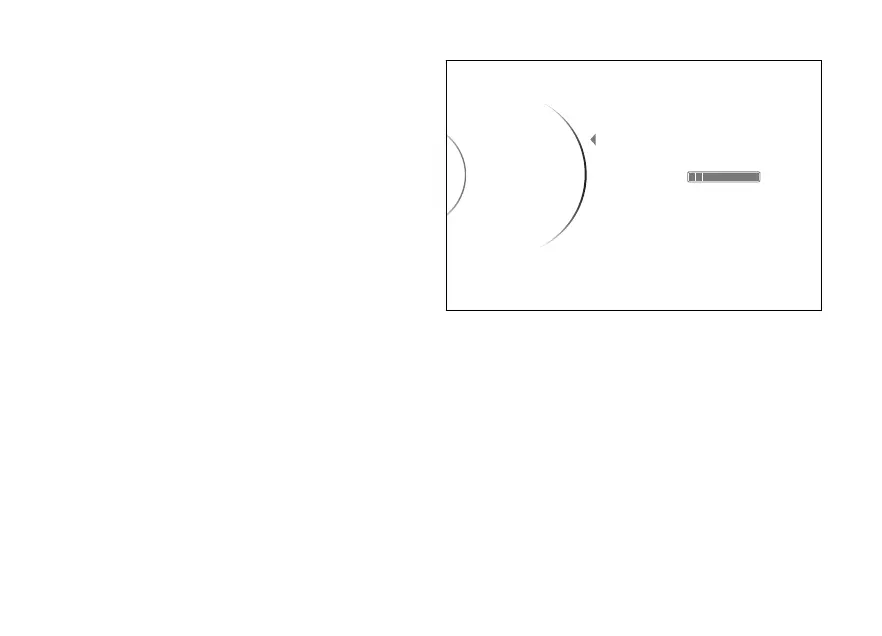
When opening the function, the message "Empty"
will be displayed if memory is empty. If not, memory
status is displayed as a percentage and a progress
bar, together with item "Erase". The message "Full"
will be displayed if memory is full.
Select "Erase" option and press the ENTER
(3) to delete all stored data.
To exit the menu and return to the previous screen,
select the “Back” item and press the ENTER
(3).
...
...
Erase
Back
Memory
DDA Memory
Full
100%
Fig 155
213













 To Next Page