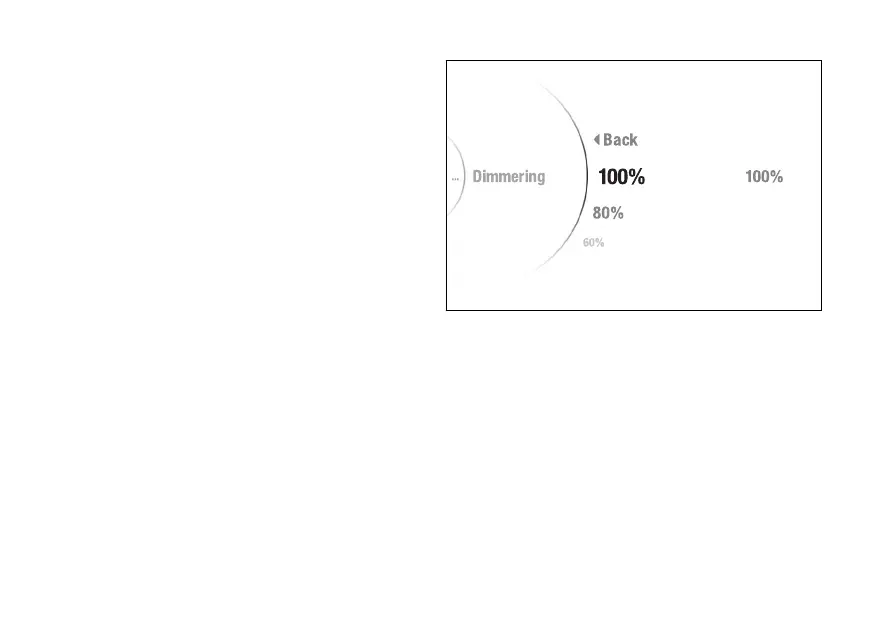
Dimmering
This function allows adjusting the backlighting
intensity.
●
Enter the menu.
●
Use (1) and (2) to select item “Backlight”
and press the ENTER (3).
●
Select the “Dimmering” item and press ENTER
(3).
The levels from 100% to 20% are displayed. While the
currently set level is shown on the right. The
brightness is automatically adjusted according to
the ambient light detected by the instrument panel.
The backlighting intensity adjustment is calculated
in relation to what is detected by the instrument
panel.
Use (1) and (2) to scroll and select the desired
level. Press ENTER (3) to confirm.
To exit the menu and return to the previous screen,
select the “Back” item and press the ENTER
(3).
Fig 141
202













 To Next Page