2017-0122 / 42
-4-
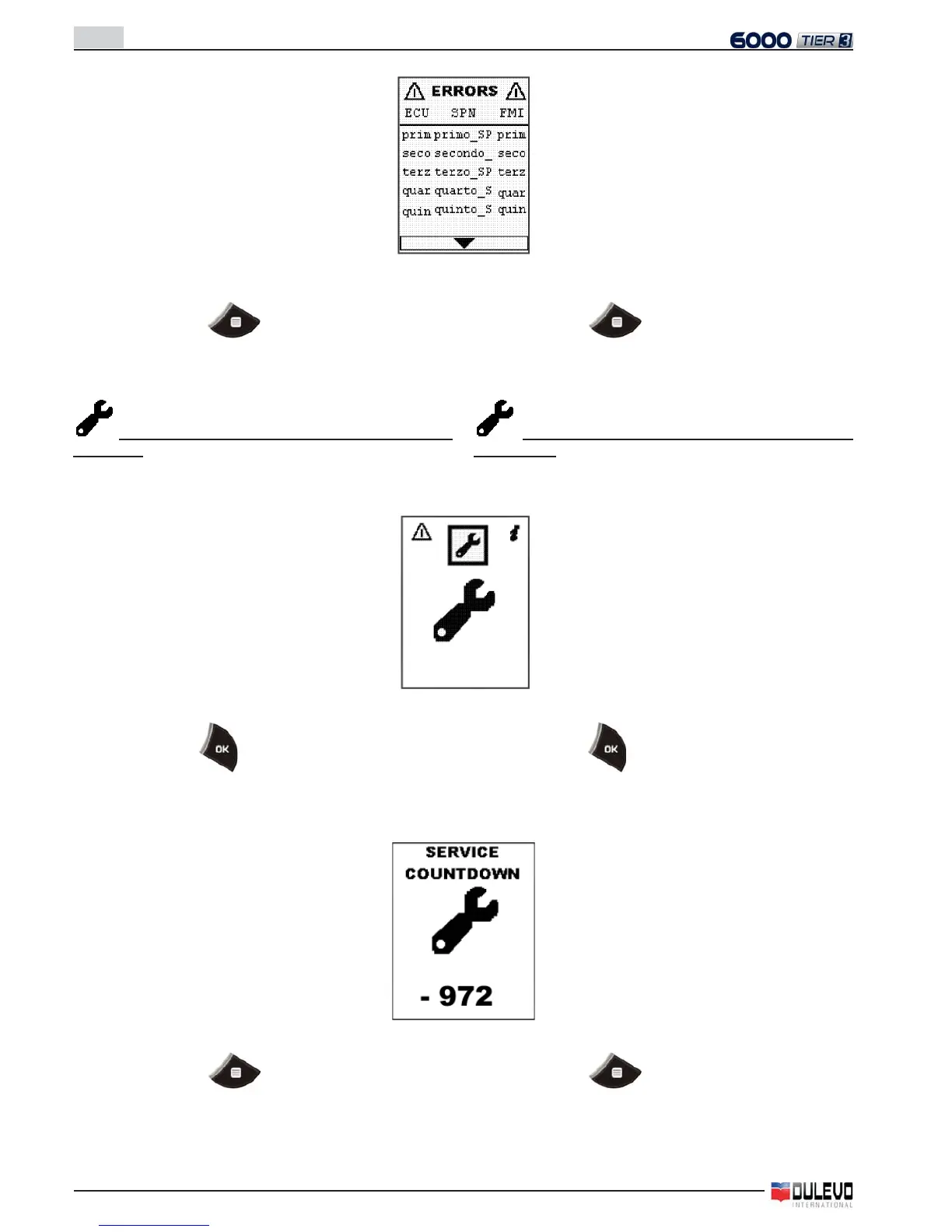
Nel caso di più pagine con errori, per scorrere le pagine
usare i tasti freccia visualizzati in basso nel display.
- Premere il tasto
per ritornare alla pagina del
menu.
Visualizzazione countdown manutenzione pro-
grammata
- Selezionare nel menu l’icona relativa alla manutenzione
per visualizzare la seguente pagina.
- Premere il tasto per accedere alla pagina delle ore
mancanti alla manutenzione e visualizzare la seguente
pagina:
- Premere il tasto
per ritornare alla pagina del
menu.
- In case of more than one page with errors, use the arrows
seen in the lower part of the display to scroll the pages.
- Press the key
to go back to the menu page.
Visualisation of scheduled maintenance
countdown
- Select the icon related to the maintenance in the menu
and the following page will appear.
- Press the key
to gain access to the “hours remai-
ning before service maintenance” page and to visualize
the following page:
- Press the key
to go back to the menu page.



 To Next Page