2017-01 23 / 42
-4-
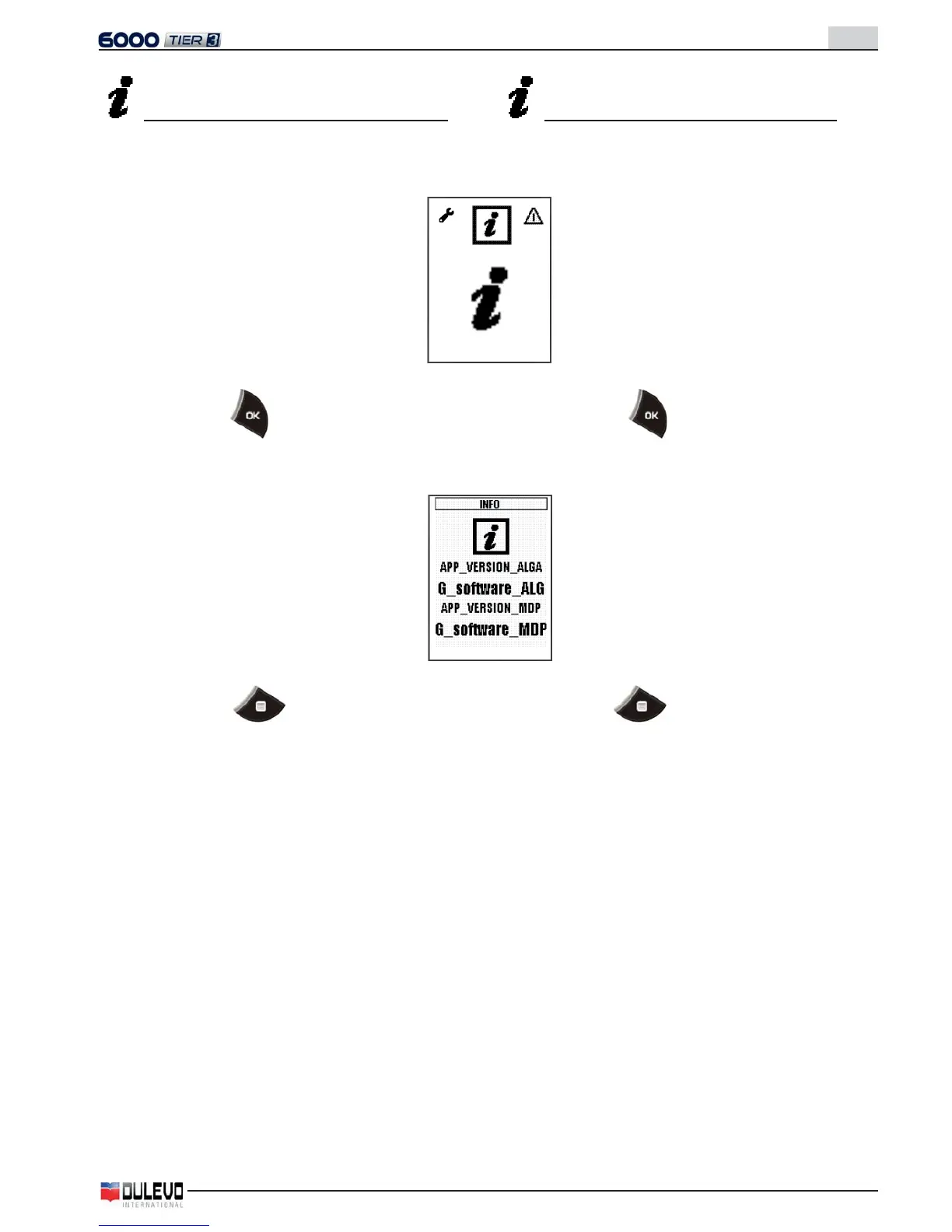
Visualizzazione revisione software pannello
- Selezionare nel menu l’icona relativa al software pannello
per visualizzare la seguente pagina.
- Premere il tasto per visualizzare la revisione del
software attualmente caricato nel pannello.
- Premere il tasto per ritornare alla pagina del
menu.
Visualisation of revision of panel software
- Select the icon related to the panel software in the menu
and the following page will appear.
- Press the key
to visualise the revision of the
software currently uploaded in the panel.
- Press the key
to go back to the menu page.



 To Next Page