18 | 3.3 Using a Parallel Cable
DuraLabel.com | 800.788.5572
CONNECTING THE PRINTER
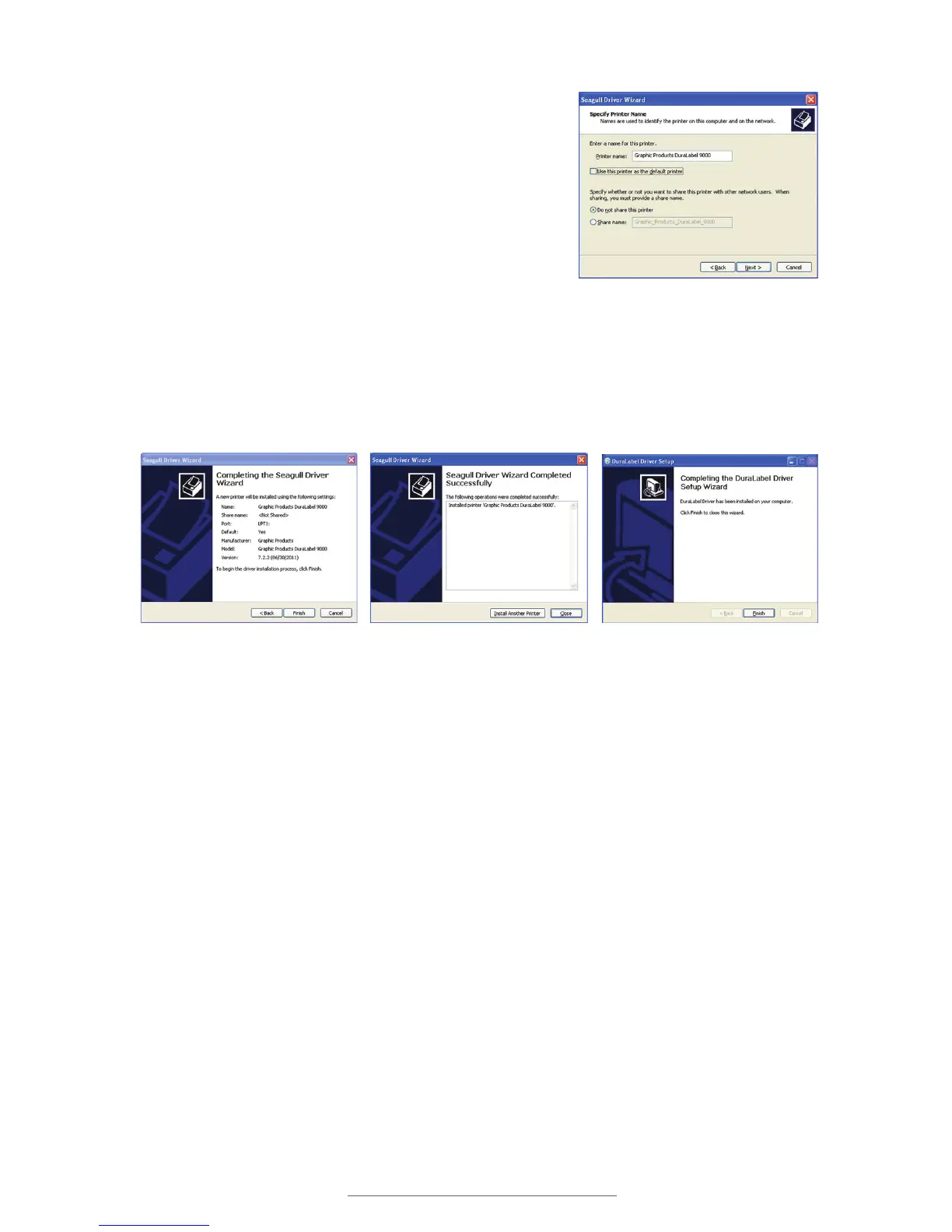
J. Review information on the Completing the
Seagull Driver Wizard window that opens and
click Finish if the information is correct. If it isn’t
correct, revise the selections made in previous
steps and click Finish when the window’s
information is accurate.
K. A Driver Wizard Completed Successfully
window appears, confirming the printer driver
installation was completed successfully. Click
Close.
L. The previous window closes and a Completing the DuraLabel Driver Setup Wizard
window appears. Click Finish to complete the new driver installation.
Printer Name, Default and Sharing
Status
Completing the Seagull Driver Wizard
Driver Wizard Completed Successfully
Window
Click Finish on the Completing the
DuraLabel Driver Setup Wizard window.
The driver installation is now complete.



 To Next Page