DuraLabel.com | 800.788.5572
10.11 Wrinkles Appear on Half of Label | 49
TROUBLESHOOTING
SETTING RIGHT ADJUSTABLE PRESSURE KNOBS
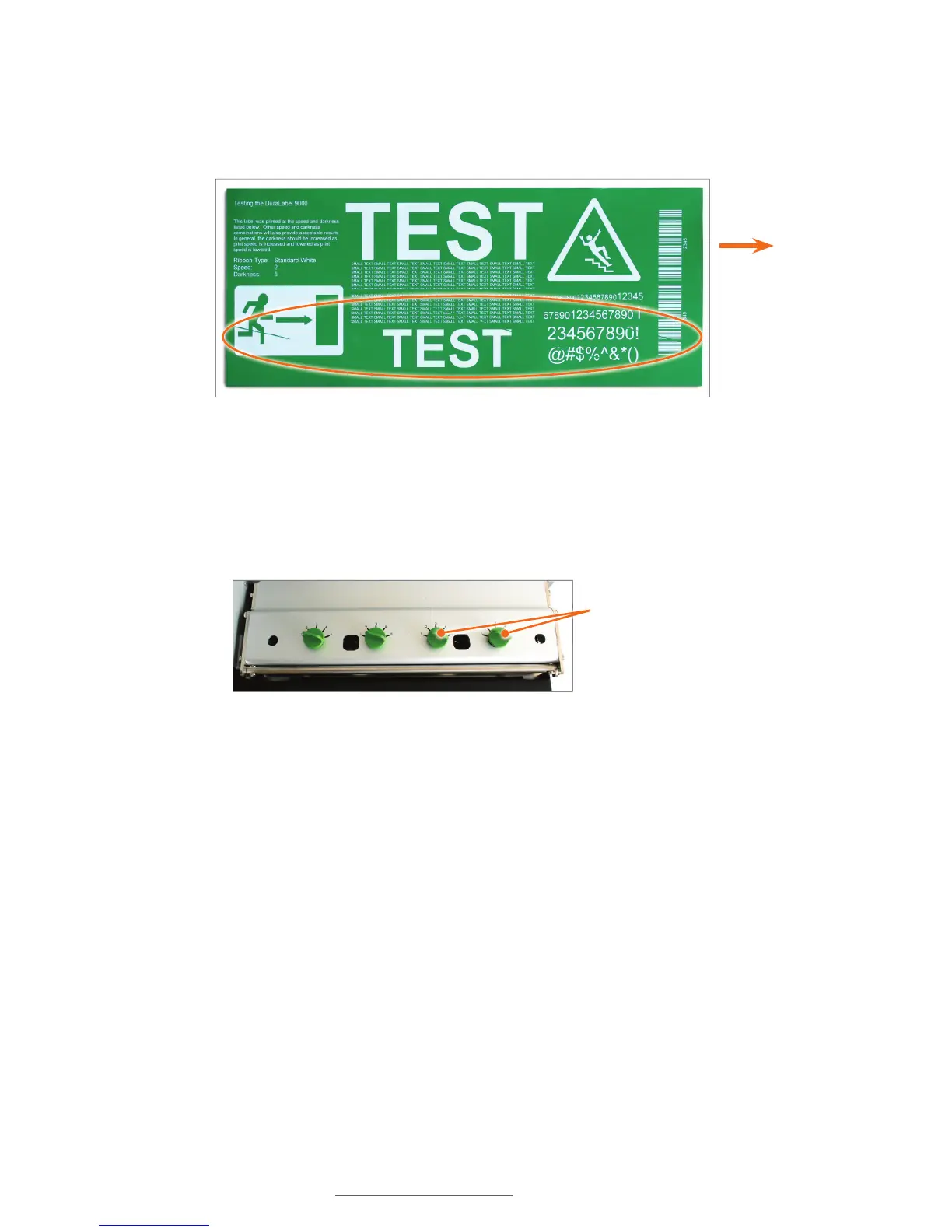
For wrinkles on the left side of the printed label, set the two right adjustable pressure
knobs.
A. Press down on the far-right adjustable pressure knob while turning it clockwise to
the desired pressure setting (see Fig. 4).
B. Press down on the adjacent right adjustable pressure knob while turning it
clockwise to the same pressure setting as the far-right pressure knob.
Right adjustable
pressure knobs
Front of
printer
Label
dispensed
this end
Ribbon wrinkled on left side



 To Next Page