41
2009 DURATECH TUB GRINDER OPERATING INSTRUCTIONS
3.25 Removing the 2009 DURATECH TUB GRINDER from storage
To remove the 2009 DURATECH TUB GRINDER from storage, perform the following steps:
1. Perform a thorough pre‑operation inspection as specied in Section 3.1 (page 23) of this manual.
3.26 Installing a screen
CAUTION: Follow normal shutdown procedure after tilting the tub and prior to performing any
service work in the rotor area.
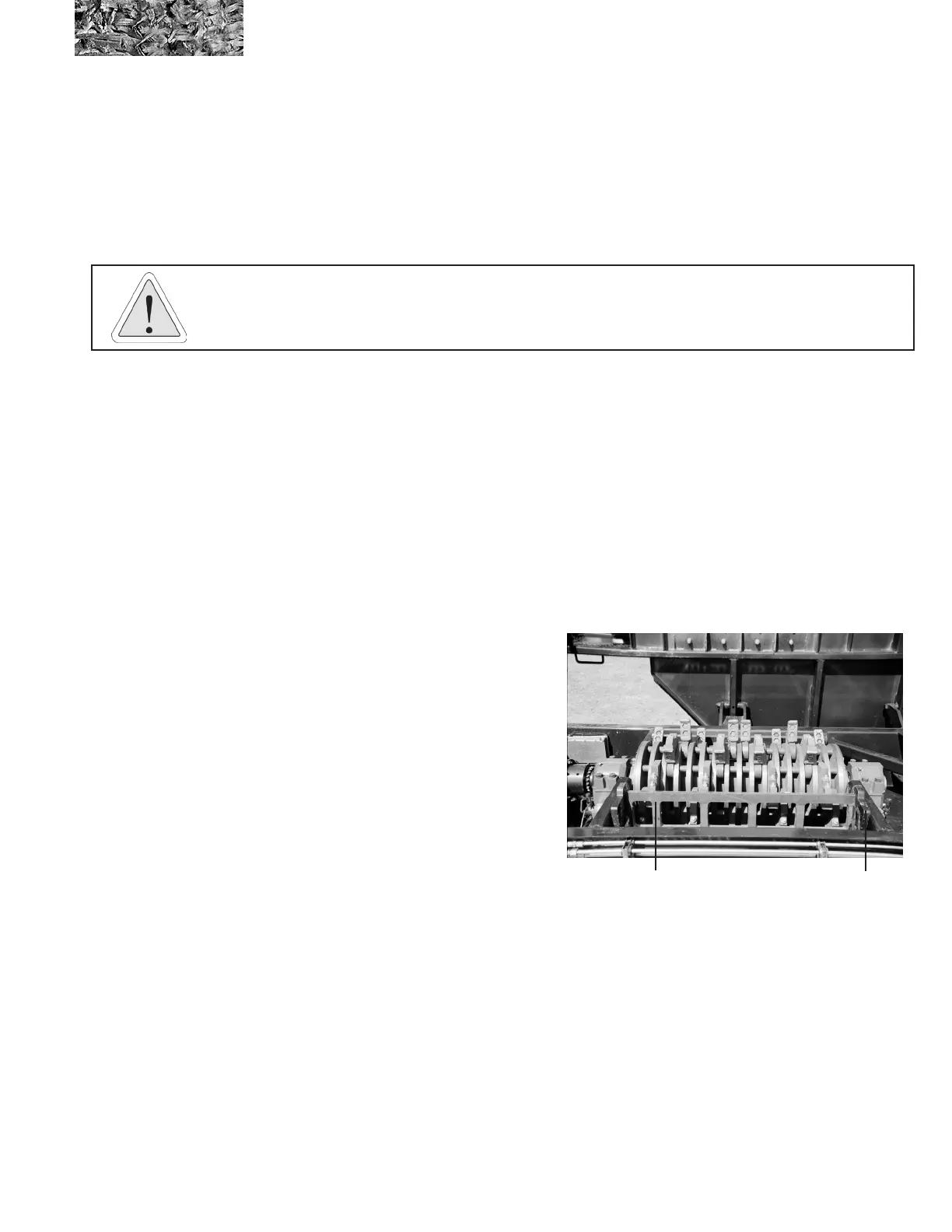
installed screen
screen hold-
down
( REV. 08-04 )
( REV. 08-04 )
To install a screen, perform the following steps:
1. Raise the tub completely, and install the hydraulic cylinder lock.
2. Unlatch the screen hold‑downs.
3. Screens may be lifted from or placed in the machine with a hoist or lifting device.
4. Securely attach the screen to the lifting device with a sturdy chain or nylon sling. Stuck screens can
require a force many times their weight to lift them free of the grinder.
5. Use only pry bars to guide the screens in and out of
the machine. The screens are very heavy and could
easily cause injury if the screen moves suddenly or
is inadvertently dropped.
6. Clear all material from the screen track before
installing a new screen.
7. Install the new screen using the lifting device and
pry bars as explained above.
8. Make certain that the screen ts completely in
place, and latch the screen hold-downs.
9. Make sure all personnel and equipment are clear of
the tub platform.
10. Remove the hydraulic cylinder lock, and lower the
tub.



 To Next Page