7.10.1.2 Auto White Balance
In order to make the white areas in the field of view appear to be white (R=G=B) in the super-
imposed image most software applications use a calibration scan, in which R, G and B images are
obtained to determine the relative strength of each component. Once the calibration data is
obtained, software algorithms are employed to determine the correct combination of gain/exposure
for each color plane in order to produce a white pixel at the appropriate location in the
superimposed image.
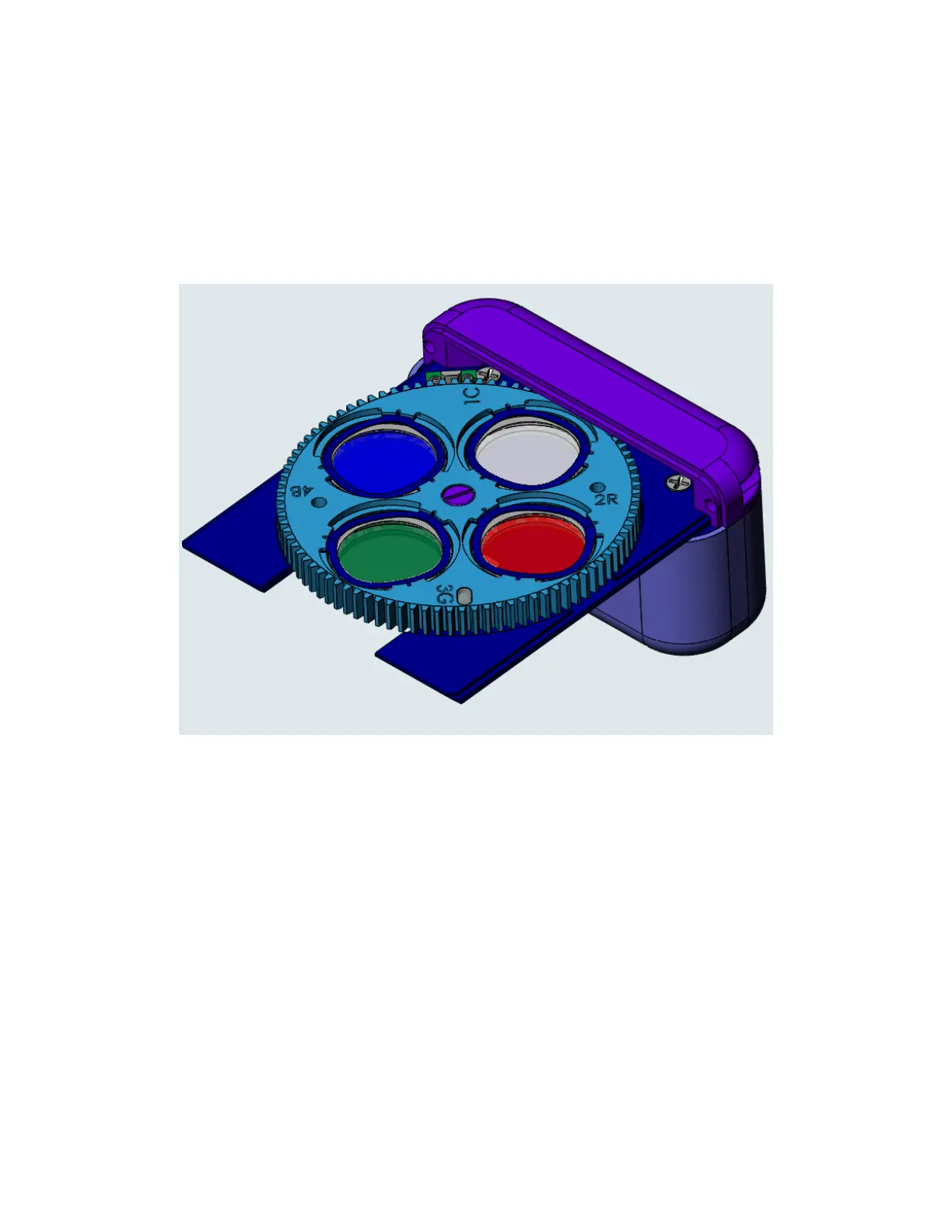
Figure 7.10-2: Color filter wheel module
34


 To Next Page