Removing the Filter Wheel Module
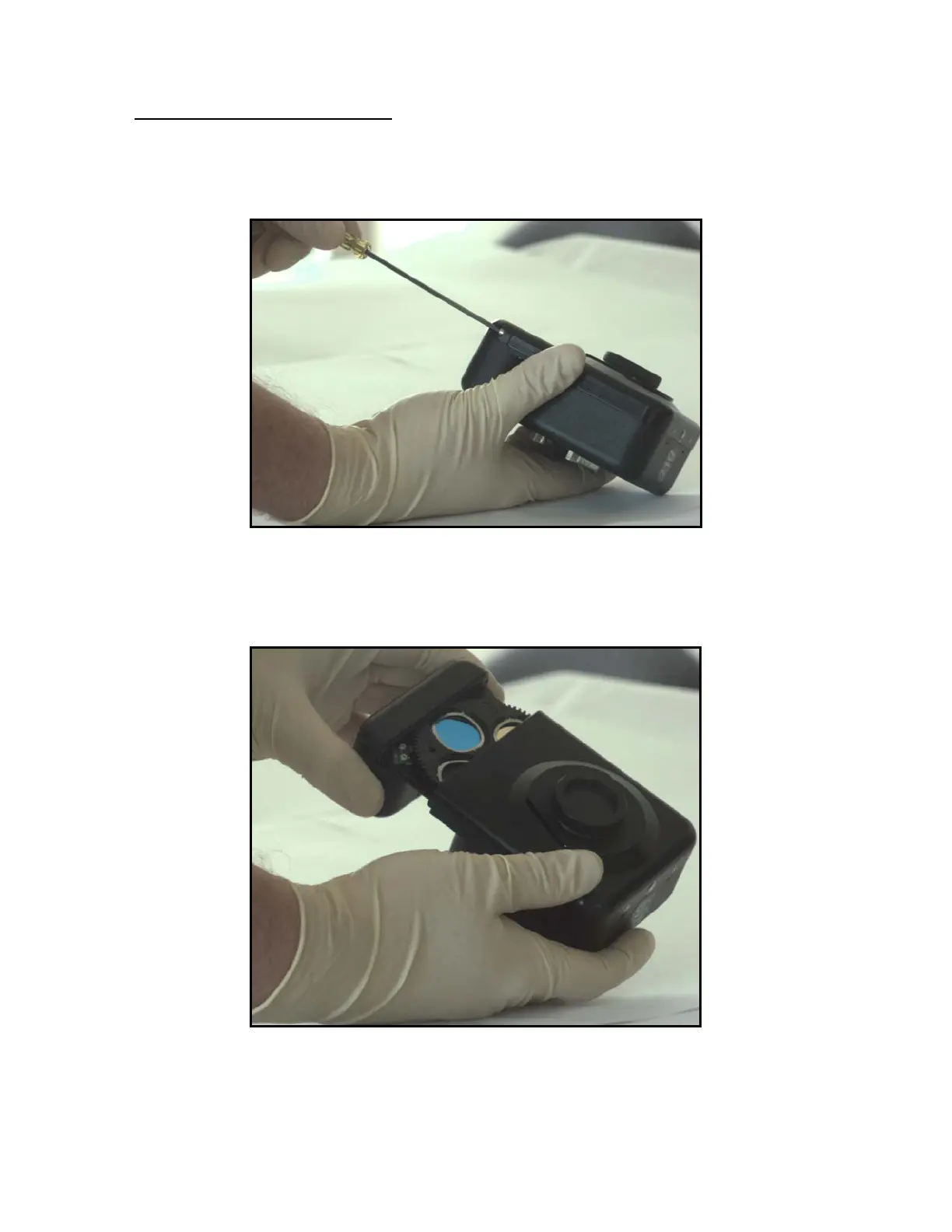
1) Remove the two 4/40" X 3/8" Allen-head screws which retain the module.
a. These screws are the only silver-colored screws on the camera.
b. Use a 3/32" socket head drive to remove the screws.
2) Disengage the filter wheel module.
a. Pull firmly to remove the module from the camera.
b. There are no connectors to disengage. The module will simply slide out.
36


 To Next Page