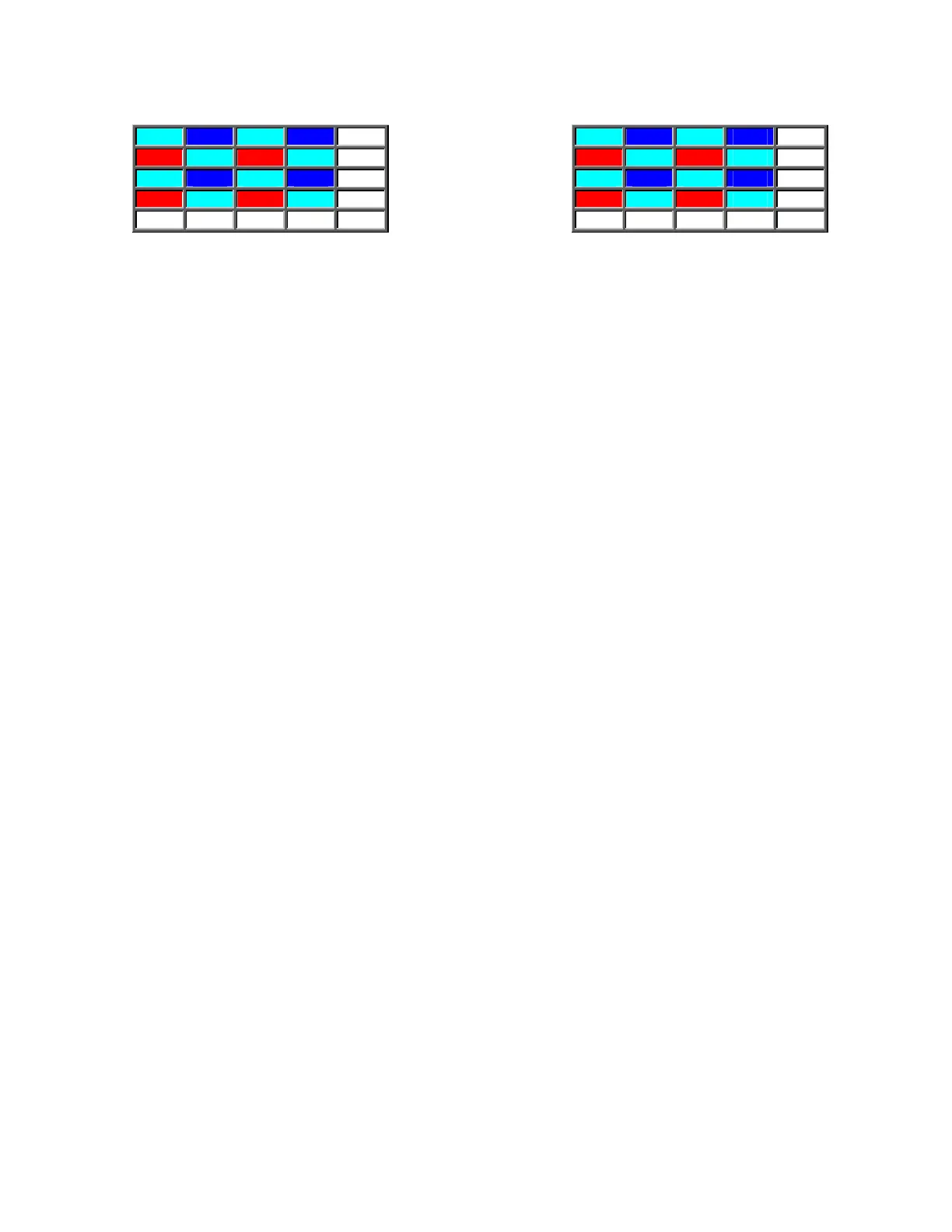
300 200 300 200 . .
110 300 110 300 . .
300 200 300 200 . .
110 300 110 300 . .
: : : : : :
300 110 300 110 . .
200 300 200 300 . .
300 110 300 110 . .
200 300 200 300 . .
: : : : : :
R=110, G=300, B=200 R=200, G=300, B=110
(fluorescent lighting)
(incandescent lighting)
Figure 8.1-2: Examples of Bayer Pattern values for fluorescent and incandescent light
Both cases require correction, because a white object should have R=G=B data values. The
simplest correction would involve "equalizing" the data - if the Green pixel values are kept
unchanged and the Red and Blue pixel values are multiplied by appropriate "gain" coefficients.
In the case of the "fluorescent lighting" example, Red Gain (Rg) should be 300/115 = 2.6 and Blue
Gain (Bg) should be 300/200 = 1.5
In the case of the "incandescent lighting" example, Rg (or Red Gain) should be 300/200 = 1.5 and
Bg should be 30/115 = 2.6
As shown in the above examples, the Rg and Bg coefficients depend on the type or the color
temperature of the illumination that is used. Therefore, a "white balance" operation is required each
time that the scene illumination or color temperature is changed.
The procedure for a white balance operation is as follows:
• the software instructs the user to point the camera at a uniform white object e.g. a
sheet of white paper.
• the software instructs the user to press the "white-balance " button.
• the software examines the ratios G/R and G/B and determines the average value of
Rg and Bg over a predetermined region. It is usually a good idea to keep the
reasonably small.
• the software then stores the computed average Rg and Bg values and uses them as
coefficients to generate color corrected Red and Blue pixel values from the "raw"
Red and Blue pixel values.
In some applications, it may be possible to store some frequently observed combinations of Rg and
Bg to simplify this operation. For example, if the camera is used under the same lighting conditions
at all times, the user should be able to perform the white balance operation once and then store the
Rg and Bg values. A typical software user interface might have three choices under Preset White
Balance options: "Typical Fluorescent", "Typical Incandescent" and "User Setting."
44


 To Next Page