P.71
[NOTE] When parameter setting of the dip switches, other than dip switch-A
No.3 (BUZZER) and B-8 (Initializes the LCD screen), is performed,
the LCD controller counts down 10 seconds, the same as at the
power on state, right after the completion of the parameter setting.
[NOTE] If any warning or alarm occurs during the parameter setting, the
setting session will be stopped automatically and the display will be
changed to the warning & alarm display screen.
The dip switch setting at the time of shipment from the factory are as follows.
Data length : 8bits
Cooling water & N2 monitoring : Constant
BUZZER : USE
Operation switched to Remote : According to signal
DILUTION N2 mode : Standard
BP Operation in Remote : Automatic Operation
MP SPEED CONTROL : Not used
BP SPEED CONTROL : Not used
Remote IF : Not used
LCD screen initialize : Carry out initialize
Output the pump N2 warning : Normal Open
5.6 Starting/stopping the pump with the LCD controller
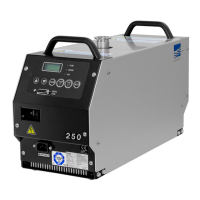
Maximum two LCD controllers can be connected. Note only one of them can start
and stop the pump (the other shows the pump operational statuses).
The controller of which LED “LOCAL” is lit on has precedence over the other to control
the start and stop operation.
If only one controller is connected, the controller starts and stops the pump.



 To Next Page