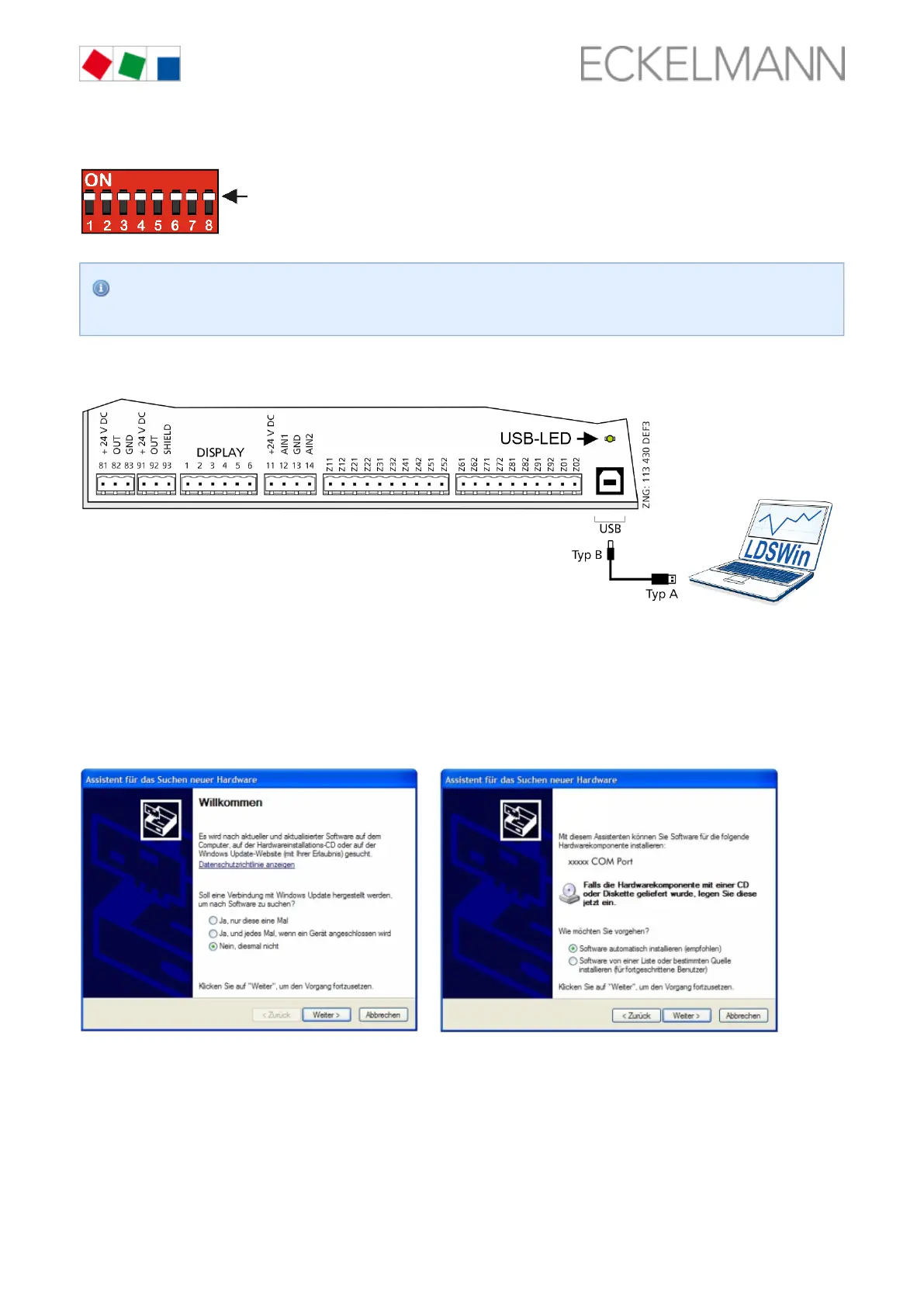
Before starting the firmware update, all coding switches 1..8 of the DIP switch S3 be set to :must ON
After the firmware update has been performed, the coding switch 9 of DIP switch S3 must be reset to
.its original position
Connect the controller to the PC via a USB A-B cable while :disconnected from the power supply
then supply the controller with power again, see chapter .Power supply, page 47
Step 2: Driver installation
During the connection of the controller to the PC, the "Scan for new hardware wizard" opens. Please first
follow the instructions of the wizard:



 To Next Page