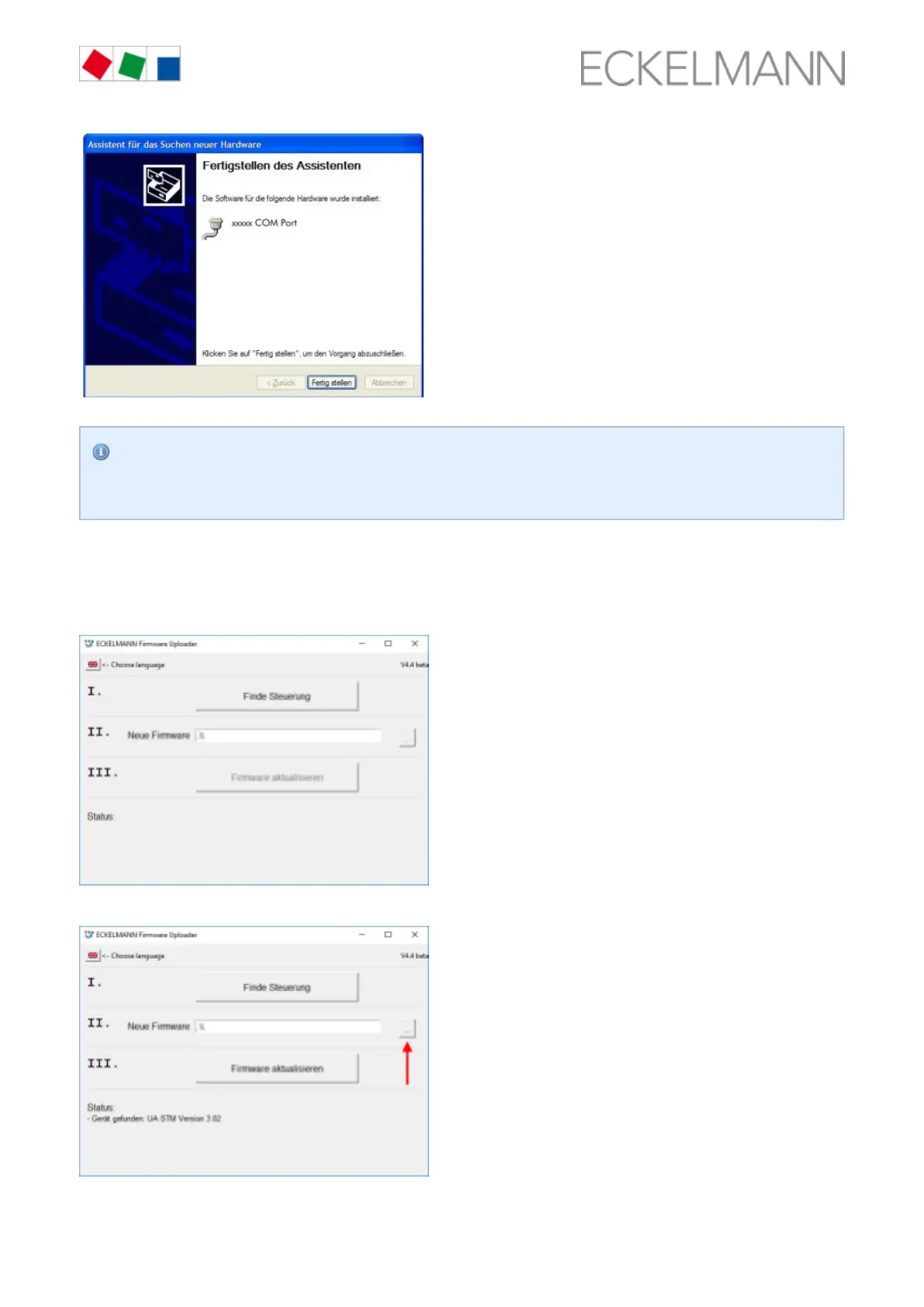
No error message such as " " should be displayed on the laptop or PC.
USB device not found
Otherwise, tips for rectifying driver problems are explained in more detail in the chapter Rectification
.of driver problems, page 63
Step 3: Perform firmware installation
Under " ", start the program " ".
Start / Programs / ECKELMANN / Firmware Uploader KGL Firmware Uploader
The following window opens:
Click the "Find Controller" button to find the controller.
A notification is displayed in the status field if the controller has been found. Then select the current firmware



 To Next Page