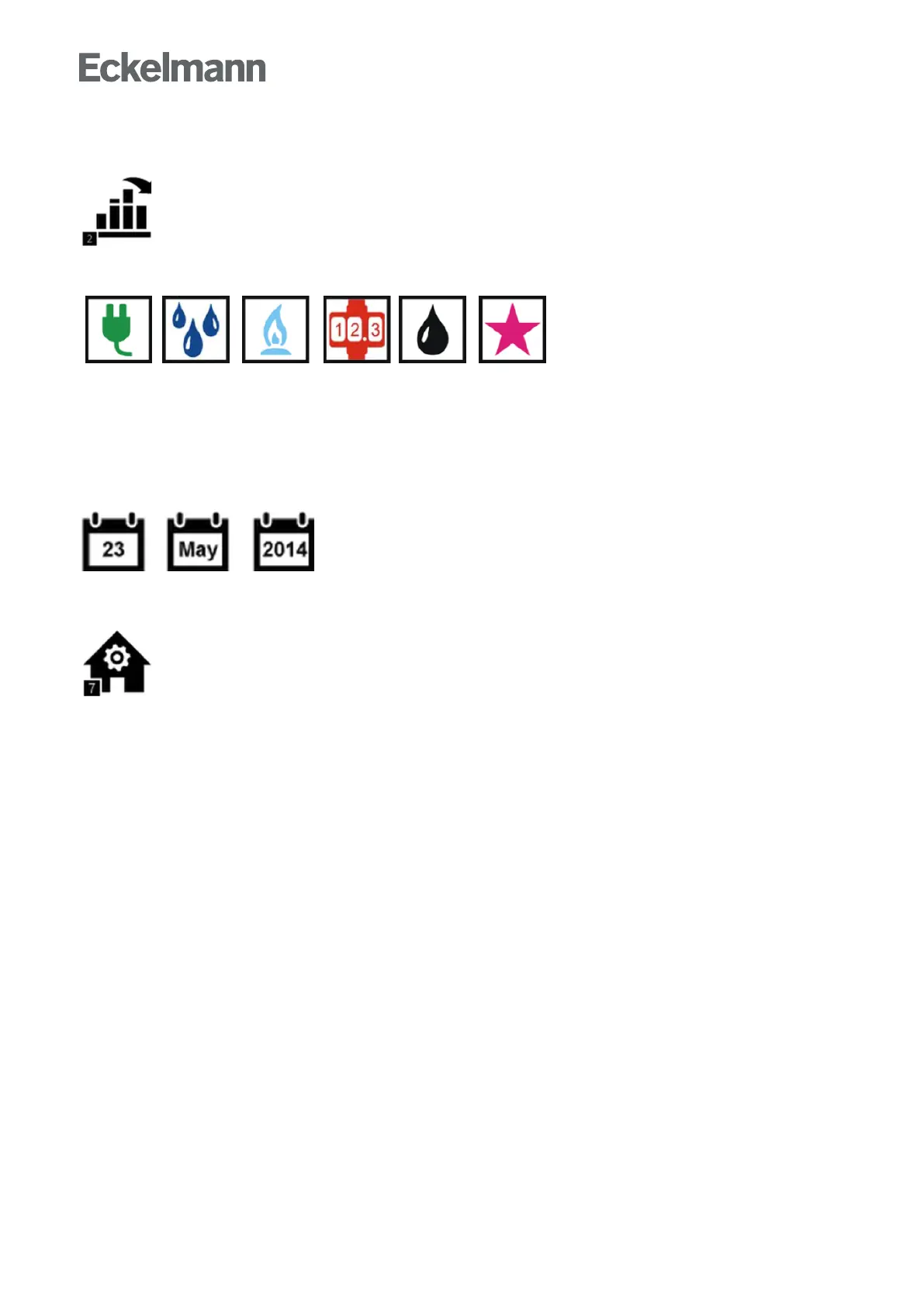
2 Menu 6-2 - Load Profile
Thesubmenufordisplayoftheloadprofileoftheindividualmetertypesiscalledupusingthis
button.
Legend for the meter symbols used:
Energy, water, gas, heat, oil and event
Every line entry in the screen contains the following parameters:
Type and name of the meter, its position designation, the meter and transformer constants and the unit of
measure. Note: Meters must be created and configured in Menu 4-1-6 otherwise they are not displayed in this
screen.
The required meter in the list must be selected to display the load profile of a meter. The load profile of the
current day is shown initially. Individual time periods can be changed between by pressing the left/right buttons.
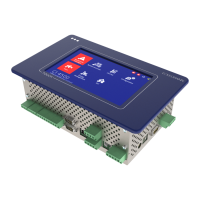
7 Menü 7 - BCS
ThescreenforoverviewofBCSdataisopenedusingthisbutton.


 To Next Page