Point registration
103
Point
registration
2.
Registering, correcting or deleting a memory point
Registering, correcting or deleting your home
One point on the map can be registered as your home.
Register your home to enable a route search to your home from the destination setting screen
with one operation. (Refer to page 47)
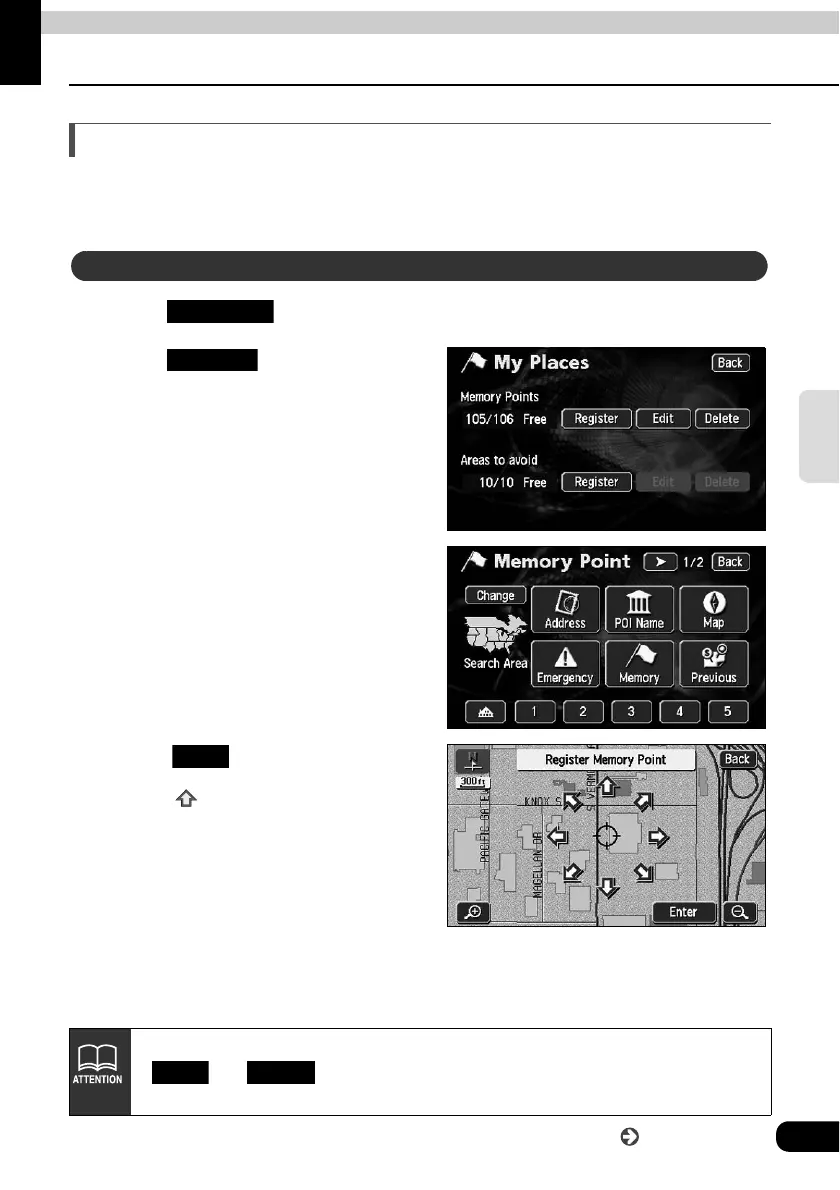
Touch in the Menu screen.
Touch for Memory
Points.
Select the map retrieval method
and the map on which your home
is to be registered will appear.
• See pages 47 and 63, "How to
retrieve maps" and "
Performing
operations on a retrieved map
".
Touch .
• Touch to move the map.
Registering your home
My Places
Register
Enter
• Registration enabled on a detailed map with a reduction scale less than 0.5 miles.
• and can be operated only if a memory point is already
registered.
Edit Delete
Go to the next page



 To Next Page