72
2.
Set a destination and search for a route
Navigation guidance
Display or bypass a restricted segment
Bypass using the all-route display screen
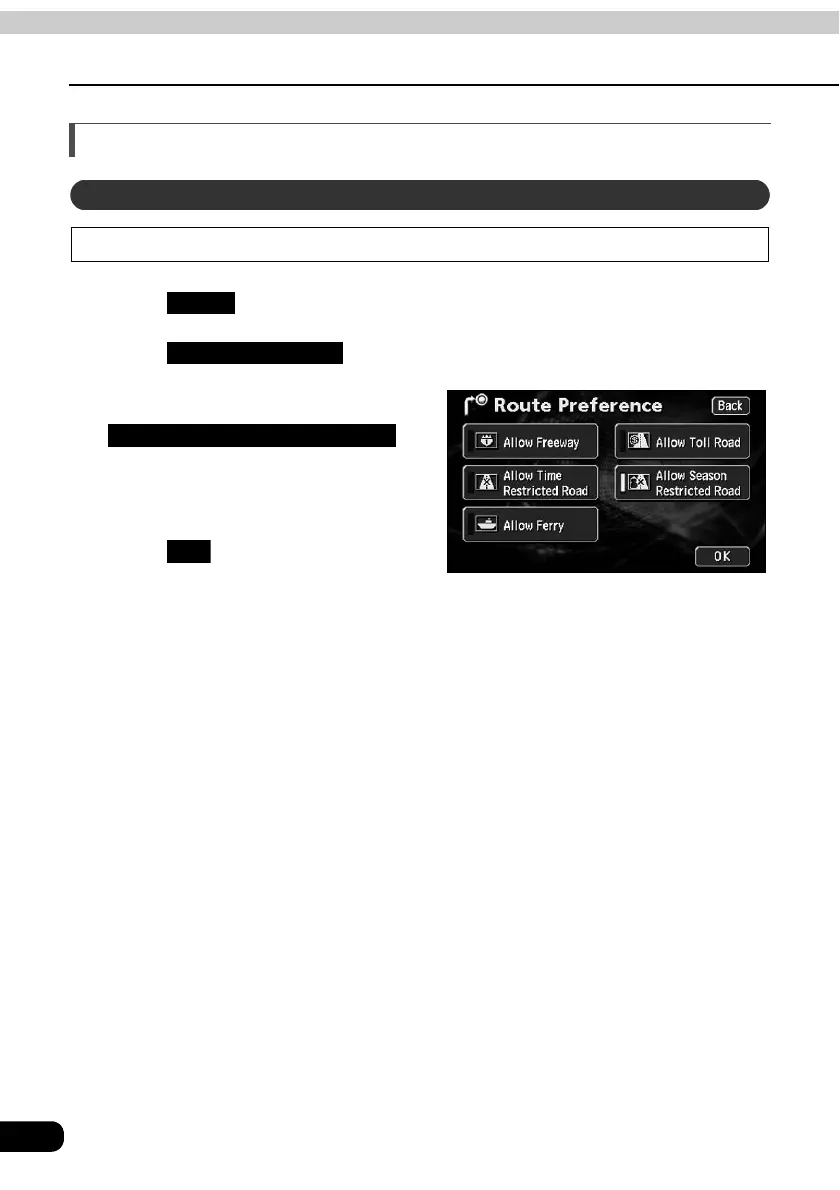
Touch in the all route display screen.
Touch .
Touch
.
• If searching for a route that passes
through a restricted segment, an
indicator will light up.
Touch to start the route
search.
Bypassing a restricted segment
Route
Route Preference
Allow Season Restricted Road
OK



 To Next Page